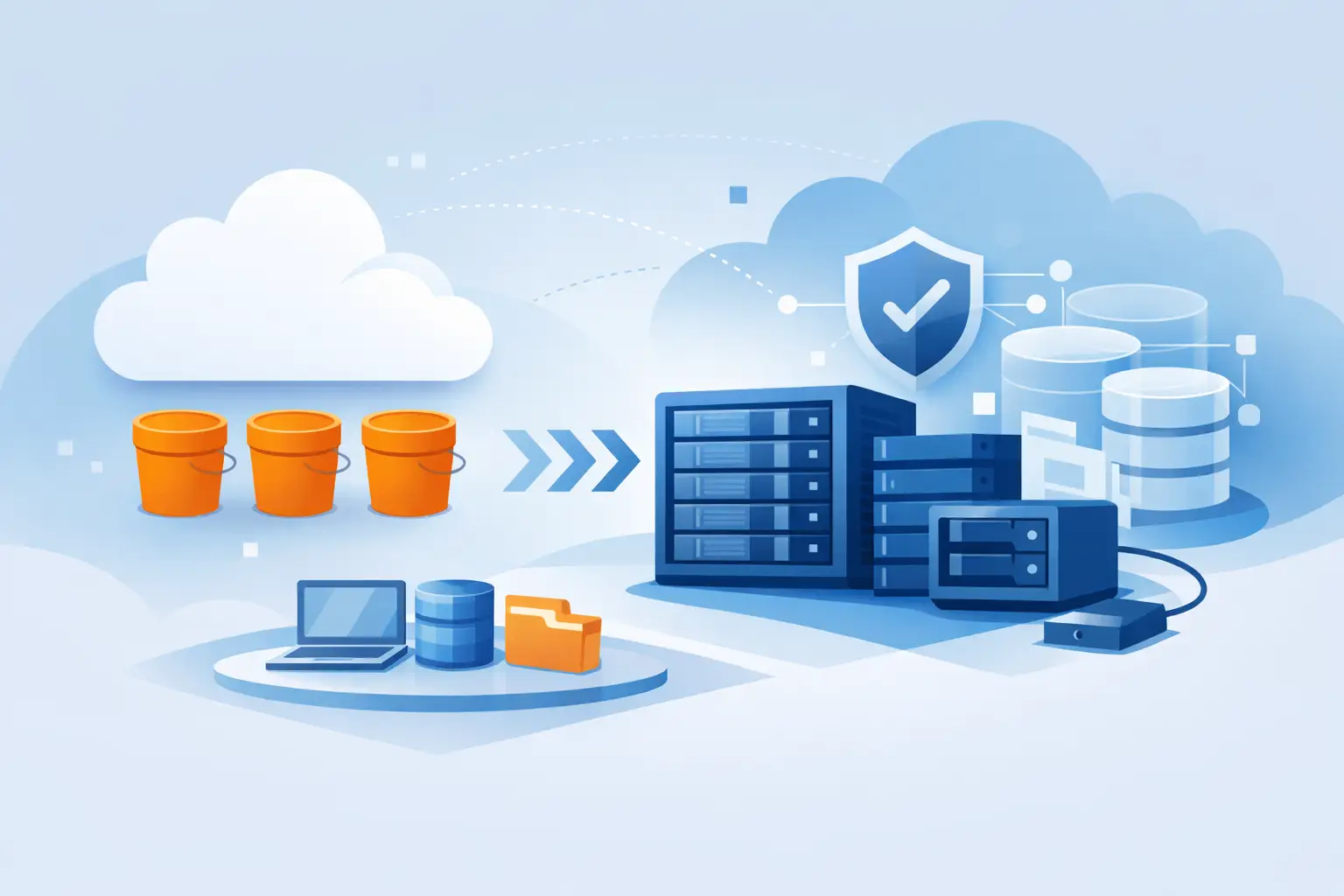
When an application is built to send files to an S3 endpoint, the practical question is: what is S3 compatible storage, and can a different provider run that workload without code changes? For developers and IT teams, the answer can determine how easily they move backups, media libraries, logs, and application assets between infrastructure providers.
What Is S3 Compatible Storage?
S3 compatible storage is object storage that supports the Amazon S3 API, or a defined portion of it. S3 began as an Amazon Web Services storage service, but its API became widely adopted. Many backup tools, content management systems, developer libraries, and business applications can communicate with any storage platform that understands the same API requests.
The word compatible matters. It does not mean a provider is Amazon S3 or that every feature behaves identically. It means software can generally use standard S3 operations to create buckets, upload objects, retrieve files, list content, and manage access without requiring a storage-specific integration.
In practice, an S3-compatible provider gives you an endpoint, access credentials, and one or more buckets. You point your application, backup software, or command-line tool to that endpoint rather than to an AWS endpoint. If the application supports a custom S3 endpoint, the change may be limited to configuration rather than a rewrite.
Object Storage Is Different From File and Block Storage
To choose storage correctly, it helps to separate three common models. File storage presents folders and files through protocols such as NFS or SMB. Block storage presents raw disk volumes that operating systems can format and use for virtual machines, databases, or server boot disks.
Object storage stores each item as an object inside a bucket. An object includes the data itself, a unique key or name, and metadata. What looks like a folder structure, such as `images/2026/product.jpg`, is usually a naming prefix rather than a traditional directory.
That design makes object storage well suited to large collections of independent files. It can scale without requiring a server to manage a conventional file system hierarchy. It is usually a poor replacement for a low-latency database volume, an operating system disk, or a shared drive where users need file locking and frequent in-place edits.
How S3 Compatibility Works
S3-compatible storage accepts HTTP requests made according to the S3 API. Common operations include putting an object, getting an object, deleting an object, listing bucket contents, and generating temporary access URLs. Requests are typically authenticated using an access key and secret key, with a signing method such as AWS Signature Version 4.
Most applications do not send those requests manually. They use an S3 SDK, a backup product, a storage gateway, or a tool such as a synchronization utility. The software handles authentication and API calls while the administrator provides the endpoint URL, bucket name, credentials, and sometimes a region setting.
This is why S3 compatibility is valuable. A developer can standardize on one storage interface while retaining infrastructure choice. A backup platform can send encrypted archives to a provider-operated object storage service. An agency can store client media without designing a separate upload workflow for every hosting environment.
Buckets, Objects, and Access Policies
A bucket is the top-level container for objects. Buckets are commonly used to separate workloads, customers, environments, or retention rules. For example, a business might use one bucket for production backups, another for website media, and a third for long-term archive data.
Access can be controlled with credentials, bucket policies, and temporary signed URLs. A signed URL grants time-limited access to one object or a defined action without exposing permanent account credentials. This is useful when an application needs to let a customer download an invoice, access a private document, or upload a file directly.
Compatibility Is Not Identical Behavior
The core API operations are broadly supported, but advanced capabilities differ by provider. Before relying on a feature, verify support for versioning, lifecycle rules, object locking, encryption options, multipart uploads, event notifications, storage classes, and detailed identity policies.
Even a small difference can matter. A backup platform may require object versioning for recovery. A compliance workload may require immutable retention through object locking. A media workflow may depend on multipart upload behavior for very large files. Compatibility should be tested against the software and workflow you actually operate, not assumed from the label alone.
Where S3-Compatible Storage Fits Best
S3-compatible object storage is a practical choice for data that must be retained, distributed, or accessed by applications over an API. Common uses include backup repositories, application uploads, static website assets, video and image libraries, software packages, log archives, and data exports.
It also works well for disaster recovery planning. A business can keep backups away from the production VPS, dedicated server, or office environment. This separation reduces the risk that a server failure, ransomware incident, or local hardware problem affects both production data and recovery copies.
For development teams, the standard API is often the main benefit. The same code and deployment patterns can work across environments, provided the required S3 functionality is available. Internetport's S3-compatible object storage can be a fit for teams that want this familiar interface alongside hosting, server, and data center infrastructure.
S3-compatible storage is less suitable when an application expects a mounted disk with consistently low latency and high input/output operations per second. Relational databases, active virtual machine disks, and shared office file systems generally belong on block or file storage designed for those access patterns.
What to Check Before Choosing a Provider
Storage capacity alone is not enough to compare S3-compatible services. The operational details affect reliability, budget, security, and how much administrative work your team carries.
Evaluate these areas before committing production data:
- API support: Confirm the provider supports the API features your tools require, including multipart uploads, versioning, presigned URLs, and the authentication method used by your software.
- Data protection: Review encryption in transit and at rest, credential controls, bucket-level permissions, deletion protection, versioning, and available recovery options.
- Performance and location: Consider where your servers and users are located. Object size, request volume, concurrency, and network distance all influence upload and download performance.
- Costs beyond capacity: Check pricing for stored data, outbound transfer, API requests, retrieval activity, and any minimum retention period. Low storage pricing can be offset by high transfer costs on a media-heavy workload.
- Operations and support: Look for clear service limits, monitoring options, incident communication, and support from people who understand the infrastructure rather than only the billing account.
Also consider data residency and network design. A company with compliance requirements may need to know where data is physically stored and how it moves between application servers, backup systems, and remote users. If you operate dedicated servers or colocated hardware, private connectivity and predictable network paths may be as relevant as the storage API itself.
Plan Migration and Recovery Before You Need Them
Moving data to object storage is usually straightforward, but production migrations deserve a plan. Start with an inventory of the data, estimated capacity, object counts, retention requirements, and access patterns. A few large backup archives behave differently from millions of small application files.
Use checksums or integrity verification during transfer. Run a test restore, not just a test upload. For an active workload, copy the initial data set, synchronize changes, then schedule a cutover window so the application does not write to two locations without a clear source of truth.
Recovery should be tested on the same schedule as backups. A bucket full of backup files is useful only if your team can locate the correct recovery point, retrieve it within the required timeframe, and restore it to working infrastructure.
The best way to evaluate S3-compatible storage is to start with the workload, not the storage label. Define what must be stored, how often it is accessed, how quickly it must be recovered, and which application features are non-negotiable. That turns a compatibility claim into an infrastructure decision you can operate with confidence.