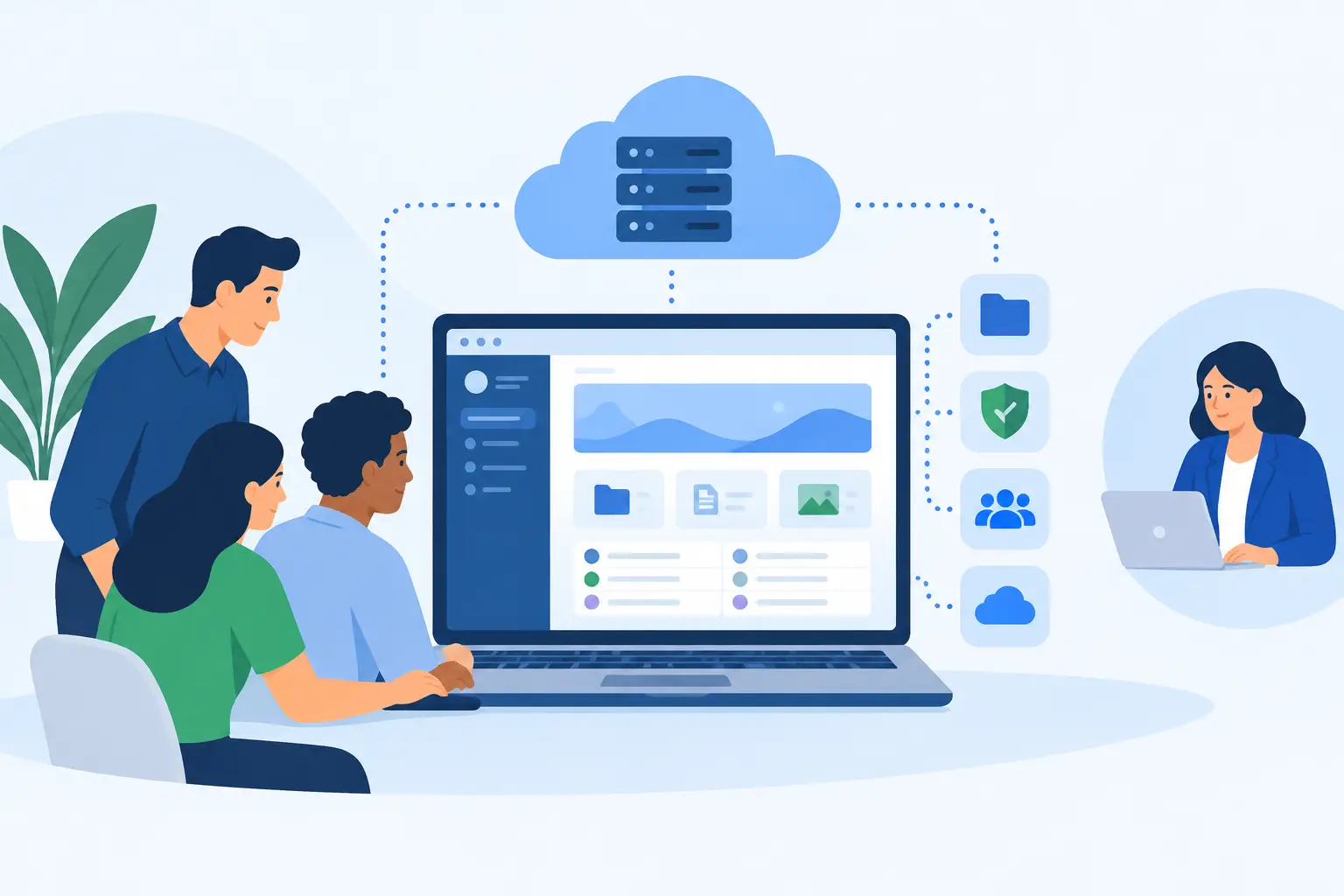
A client portal is where customers download documents, review project work, submit requests, pay invoices, or access account data. That makes hosting a business decision, not just a website decision. The best hosting for client portals needs to protect private information while keeping the portal responsive when several clients, staff members, and integrations are active at once.
A low-cost shared hosting plan can work for a small portal with limited traffic. It becomes a poor fit when the portal is central to daily operations, stores sensitive records, or needs reliable performance at peak times. The right environment depends on the portal software, the data involved, and how much control your team needs.
What client portals demand from hosting
Client portals produce a different infrastructure profile than a typical marketing site. A brochure site mostly serves public pages and can tolerate a brief slowdown. A portal handles authenticated sessions, database queries, file uploads, permissions, notifications, and sometimes payment or CRM connections. One slow database, exhausted CPU allocation, or poorly configured backup can become a customer-facing problem.
Security is the first requirement. Every portal should use TLS encryption, strong account controls, current server software, and a backup process that is tested rather than assumed. If users upload contracts, financial documents, health-related information, or proprietary files, access controls and data location deserve further scrutiny. Organizations subject to contractual or regulatory obligations may also need a hosting provider with certified data center operations and clear operational procedures.
Performance is closely tied to the application stack. WordPress-based portals, custom Laravel applications, client management platforms, and SaaS products all have different resource patterns. The database and storage layer often matter as much as web server capacity. A plan that looks generous on disk space but limits CPU, memory, processes, or database activity can create unpredictable response times.
Availability matters as well, but it should be evaluated realistically. A portal does not necessarily need a complex multi-region architecture on day one. It does need dependable hardware, redundant networking, monitoring, and a recovery plan that aligns with the cost of downtime. The goal is to build enough resilience for the business without paying for infrastructure that no one can operate.
Best hosting for client portals by use case
There is no single service type that is best for every portal. Shared hosting, VPS hosting, dedicated servers, and colocation all have valid roles. The practical question is where your portal sits today and what it needs to handle over the next 12 to 24 months.
Shared hosting for simple, low-traffic portals
Shared hosting can be a sensible starting point for a small agency portal, member area, or document-access site with modest activity. It offers a control panel, straightforward email and domain administration, and a lower monthly cost. Plesk or CyberPanel can make routine management easier for teams that do not want to administer a server from the command line.
The trade-off is resource isolation and control. On shared infrastructure, you generally cannot tune the operating system, install every service you need, or guarantee capacity for sudden demand. It is best suited to portals where occasional variation in performance is acceptable and where the application has modest database and file-processing needs.
VPS hosting for most business portals
A VPS is often the strongest balance of cost, control, and performance for an established client portal. Virtual private servers provide allocated compute resources, root-level administration when needed, and room to configure the application environment around the portal rather than around the limits of a shared plan.
For example, a digital agency may run a project portal, a staging site, an internal support system, and scheduled backups on separate VPS instances. A software team may use a KVM VPS for stronger isolation and a predictable environment for its application and database. Teams that prefer containers may choose LXC where that model fits their deployment approach.
A VPS also supports a more deliberate security posture. You can restrict services, configure a firewall, separate production from testing, use private networking where available, and set backup schedules appropriate to the portal's data. However, these benefits come with operational responsibility. If nobody on the team patches the operating system, monitors storage, or validates recovery, an unmanaged VPS can be less safe than a well-maintained managed platform.
Dedicated servers for sustained demand and strict control
Dedicated servers are a better fit when a portal has consistently high usage, heavy databases, large file libraries, demanding integrations, or requirements that make shared hardware unsuitable. They provide exclusive access to server resources and more freedom to tune storage, memory, CPU, and network configuration.
This can matter for portals supporting hundreds or thousands of active users, processing large media files, or running business applications alongside the portal. Dedicated hardware is also useful where database latency needs to remain predictable during busy periods. Enterprise-grade platforms such as AMD-based systems or Dell PowerEdge servers give infrastructure teams a clearer path for sizing resources around actual workload data.
The trade-off is cost and administration. Dedicated capacity should be selected because the workload justifies it, not because a portal sounds mission-critical. A well-sized VPS with clean application design can outperform an oversized dedicated server that is poorly maintained.
Colocation and hybrid infrastructure for advanced needs
Some organizations already own hardware, require custom network architecture, or need closer control over their infrastructure footprint. Colocation can place that equipment in a professional data center with power, cooling, connectivity, and physical security. It is relevant for businesses with internal IT staff, specialized compliance requirements, or a long-term equipment strategy.
A hybrid design can also make sense. The portal application may run on dedicated or colocated hardware while documents, backups, and static assets are stored in S3-compatible object storage. This separates compute from storage, can simplify backup retention, and avoids filling expensive server disks with files that do not need local storage.
Infrastructure features that deserve scrutiny
When comparing providers, look beyond the headline CPU, RAM, and storage numbers. A portal is only as dependable as the operating environment around it. Data center standards, network redundancy, hardware replacement processes, backup options, monitoring, and support access all affect real-world service quality.
Start with isolation. For a portal that holds client data, know whether you are buying a shared account, a virtual machine with defined resources, or dedicated hardware. Then examine storage performance and redundancy. Fast storage helps database-driven applications, while redundant storage reduces the impact of a hardware failure. Neither replaces backups, because redundancy keeps a system running but does not recover a deleted file or corrupted database.
Ask how backups are handled and where they are stored. A useful setup has a defined recovery point objective, meaning how much recent data you can afford to lose, and a recovery time objective, meaning how long the portal can reasonably be unavailable. Daily backups may be enough for a document portal with occasional changes. A support or transaction portal may require more frequent database backups and a documented restore process.
Network quality is equally practical. Global users benefit from reliable upstream connectivity, while organizations with offices, private systems, or partner networks may need direct connectivity options or internet exchange access. For sensitive workloads, certified data center facilities and transparent physical security practices provide another layer of assurance.
Build for growth without overbuilding
The best time to plan scaling is before clients complain about delays. That does not mean purchasing maximum capacity at launch. It means choosing a provider and architecture that allow you to add resources without rebuilding everything under pressure.
Begin by measuring normal and peak behavior. Track CPU usage, memory consumption, database response time, disk use, bandwidth, failed login attempts, and backup duration. These metrics tell you whether the next step is more memory, faster storage, a separate database server, object storage for uploaded files, or simply application optimization.
Separate components as demand grows. Keeping the web application, database, cache, and file storage on one server is practical at first. As traffic increases, separating the database or moving uploads to object storage can reduce contention and make maintenance safer. The right sequence depends on the application. A portal with large file transfers has different bottlenecks than one with complex reporting queries.
Cost predictability should remain part of the decision. Variable cloud billing can be useful for highly elastic workloads, but it can also make budgeting difficult when storage, outbound traffic, or managed services increase. Fixed-price VPS and dedicated infrastructure often suit organizations with steady portal usage and a clear monthly operating budget.
Choose a partner that can support the next stage
Hosting decisions should account for the team behind the portal. Developers may value root access, API-driven provisioning, and flexible operating system choices. Agencies may need control panels and repeatable account management. IT departments may prioritize hardware options, network design, security documentation, and direct access to knowledgeable support.
Internetport is an example of a provider positioned across that range, from control-panel hosting and VPS environments to dedicated servers, object storage, and colocation. That breadth is useful when a portal outgrows its initial setup but the business prefers to keep its infrastructure relationship stable.
A client portal earns trust one login, upload, and support request at a time. Choose infrastructure that matches the current workload, protect the data as if it were your own, and leave a practical path to expand when the portal becomes more central to the business.