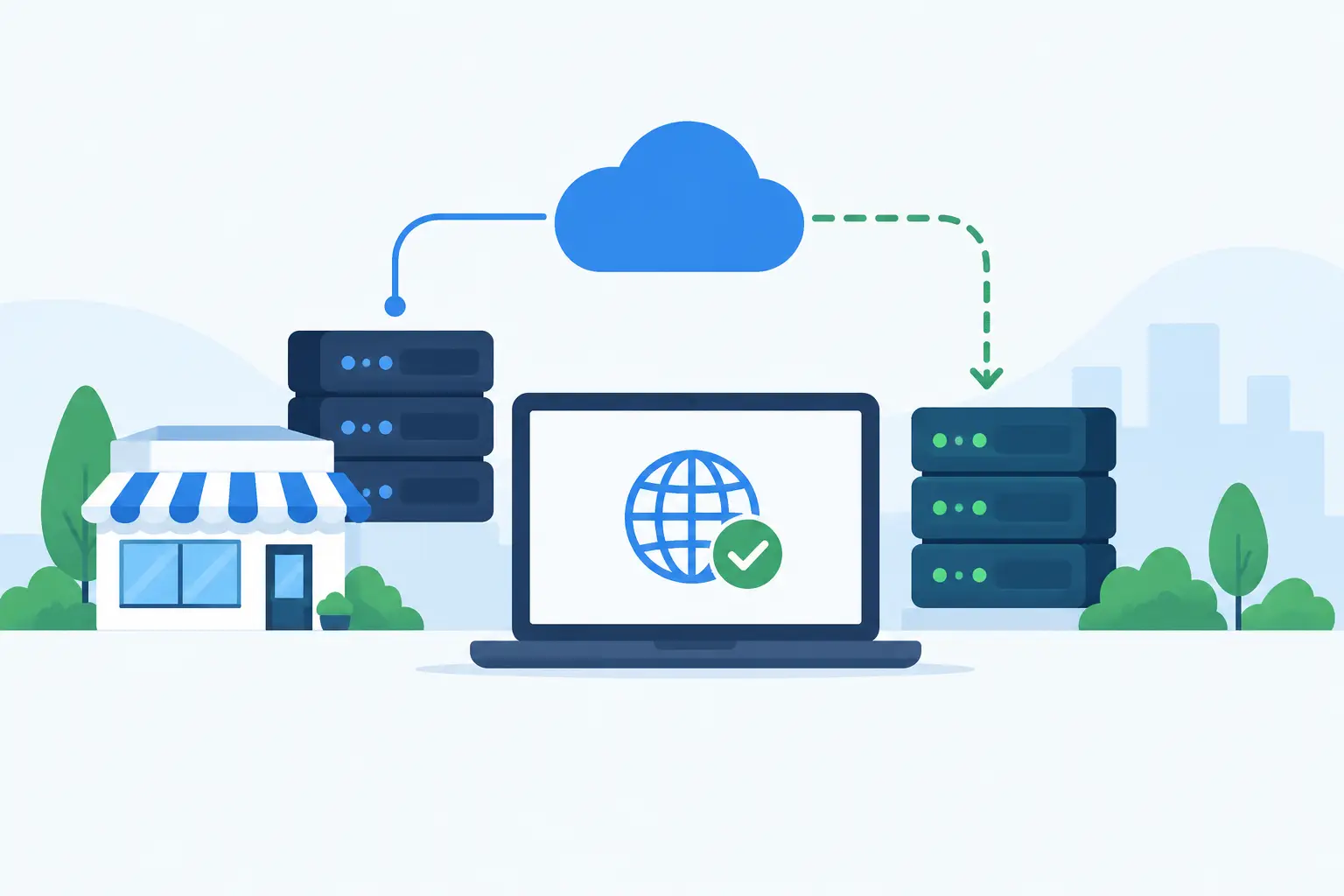
A website can be healthy at 9:00 a.m. and unreachable at 9:02 because of a server fault, a routing issue, an expired certificate, or an upstream network problem. For a small company, that outage can stop sales, support requests, bookings, and client access without warning. DNS failover for small business gives critical services another route by automatically directing traffic to a standby destination when the primary one is no longer responding.
It is not a replacement for reliable hosting, redundant infrastructure, backups, or monitoring. It is a control point that helps keep a public service available when one part of the delivery path fails. Used for the right workload and tested properly, it is a practical way to reduce the impact of outages without building an enterprise-scale platform.
What DNS failover actually does
DNS translates a domain name into the IP address or hostname that browsers, applications, and email systems use. With DNS failover, a monitoring system checks the primary endpoint at regular intervals. If the endpoint fails defined health checks, the DNS provider changes the answer it returns for the affected record.
For example, `www.example.com` may normally resolve to a web server in one data center. If health checks confirm that server is unavailable, DNS can begin returning the address of a standby server elsewhere. When the primary service recovers and passes checks again, traffic can be moved back automatically or held on the secondary system until an administrator reviews the event.
That sounds immediate, but DNS is not an instant traffic switch. Resolvers and devices cache DNS answers for a period defined by the record's time to live, or TTL. A lower TTL can shorten the time users continue trying the failed address, but it also creates more DNS query traffic and does not override every cache behavior. Plan for minutes of transition, not zero interruption.
When DNS failover for small business makes sense
The best candidates are public-facing services where a second location can provide a valid response without manual intervention. A marketing site, online store, customer portal, documentation platform, API endpoint, or externally used application may justify it when downtime has a direct business cost.
A small business does not need a large IT team to benefit. It does need a clear answer to two questions: what must remain reachable, and where will users go if the primary environment fails? A simple static fallback page can be valuable if it preserves contact details, service notices, and lead capture. For a transactional application, the standby environment may need to run the full application stack.
DNS failover is especially useful when the primary and secondary systems do not share the same failure domain. Two virtual servers on the same host, connected to the same switch, do not provide meaningful protection against an upstream outage. Better separation might mean different hosts, different availability zones, separate data centers, or a secondary provider, depending on the risk profile and budget.
Failover does not solve application consistency
DNS can redirect new requests, but it cannot make two application environments identical. That distinction is where many failover plans become harder than expected.
A brochure website can often fail over to a replicated copy with little operational complexity. A store, booking system, CRM, or client portal has changing data. If the database at the standby site is behind by several minutes, orders or updates made just before the outage may not appear after failover. If both sites accept writes at the same time without a proper replication design, conflicting records can be worse than a short outage.
For this reason, many small businesses should begin with active-passive architecture. The primary environment handles production traffic and writes. The secondary environment is ready but normally passive, with data replicated on a defined schedule or through database replication. This model is easier to reason about than active-active operation and is usually less expensive.
Active-active can be worthwhile for high-volume services that are designed for distributed writes, shared sessions, and multi-region data handling. It also adds design, testing, and troubleshooting overhead. The right choice depends on recovery objectives, not on whether active-active sounds more advanced.
Define what a real failure looks like
A failover system is only as good as its health checks. A basic TCP check can confirm that port 443 is open. It cannot confirm that the website loads, the application is working, or customers can complete the action that matters.
For a public website, an HTTPS check that expects a successful response from a specific path is often a better starting point. For an API, check a lightweight endpoint that verifies key dependencies without overloading the application. A health check should also validate the correct hostname and TLS certificate. Otherwise, a server may answer successfully while returning the wrong site or an invalid certificate warning.
Be careful with checks that are too sensitive. A brief packet-loss event or slow response can cause a false failover, creating unnecessary changes while the primary system is still usable. Most configurations should require multiple failed checks from more than one monitoring location before acting. They should also require repeated successful checks before returning traffic to the primary endpoint.
This is a trade-off. Faster detection lowers potential downtime but raises the likelihood of reacting to a temporary issue. Slower detection reduces false alarms but leaves users on a failed service longer. Choose intervals and thresholds based on the actual cost of downtime and the stability of the application.
Build the secondary service for the promised outcome
Before adding DNS logic, decide what the secondary endpoint must deliver. The answer should be specific. “Keep the site up” is not a requirement. “Allow customers to view product information and submit a support request during a primary outage” is one.
A useful standby design may include the following components:
- A separate server or hosting environment with enough capacity for expected emergency traffic.
- A current copy of site files, configuration, certificates, and required application dependencies.
- Data replication or a documented fallback mode that clearly limits transactions.
- An independent monitoring path that can still operate during a primary network incident.
- A tested procedure for returning service to the primary environment.
For a simple content site, the secondary destination may be a static version of the site. This reduces moving parts and can serve large traffic spikes efficiently. For business applications, a VPS or dedicated server may be a better fit when the standby environment requires predictable CPU, memory, database control, or custom networking.
Do not overlook supporting services. If users authenticate through a separate identity provider, upload files to object storage, or depend on a third-party payment gateway, the failover environment needs a defined response when those systems are unavailable. A login page that loads while every login fails is technically online but operationally unhelpful.
Account for DNS, certificates, and email separately
Your DNS provider becomes part of the availability design. If authoritative DNS is unavailable or poorly configured, users may not receive either the primary or secondary answer. Use a provider with geographically distributed authoritative DNS and make sure domain registration details, nameserver settings, and renewal contacts are accurate.
TLS certificates also need attention. The secondary service must present a valid certificate for the same hostname users request. Certificate renewal should be automated where possible, and the failover endpoint should be checked after every renewal or configuration change.
Email is a separate case. Changing a website's A or CNAME record does not protect business email. Mail delivery depends on MX records, mail servers, and often external identity and filtering services. Treat email continuity as its own design decision rather than assuming web failover covers it.
Test the failure path before customers do
A failover plan that has never been tested is an assumption. Schedule controlled tests at least twice a year and whenever major changes are made to DNS, hosting, application architecture, certificates, or database replication.
During a test, simulate the conditions your monitors are intended to detect. Confirm that the primary endpoint is marked unhealthy, DNS answers change as expected, and the secondary system serves the correct content. Test from external networks, not only from inside the hosting environment. Then verify the return to normal operation, including data reconciliation and cache behavior.
Document who can authorize a manual failover, who receives alerts, and what customers should be told if the secondary service offers reduced functionality. A short internal runbook is more useful during an incident than a complicated diagram nobody has reviewed in a year.
Start with the outage you can afford to prevent
DNS failover is most effective when it supports a defined recovery plan rather than acting as a generic uptime feature. A low-cost standby page may be enough for one business. Another may need replicated application servers, independent database recovery, and dedicated capacity in a separate data center.
The sensible next step is to identify one public service where an outage would create a real business problem, define the minimum acceptable fallback experience, and test it under controlled conditions. That approach keeps the design proportionate while giving customers a better chance of reaching you when the primary path fails.