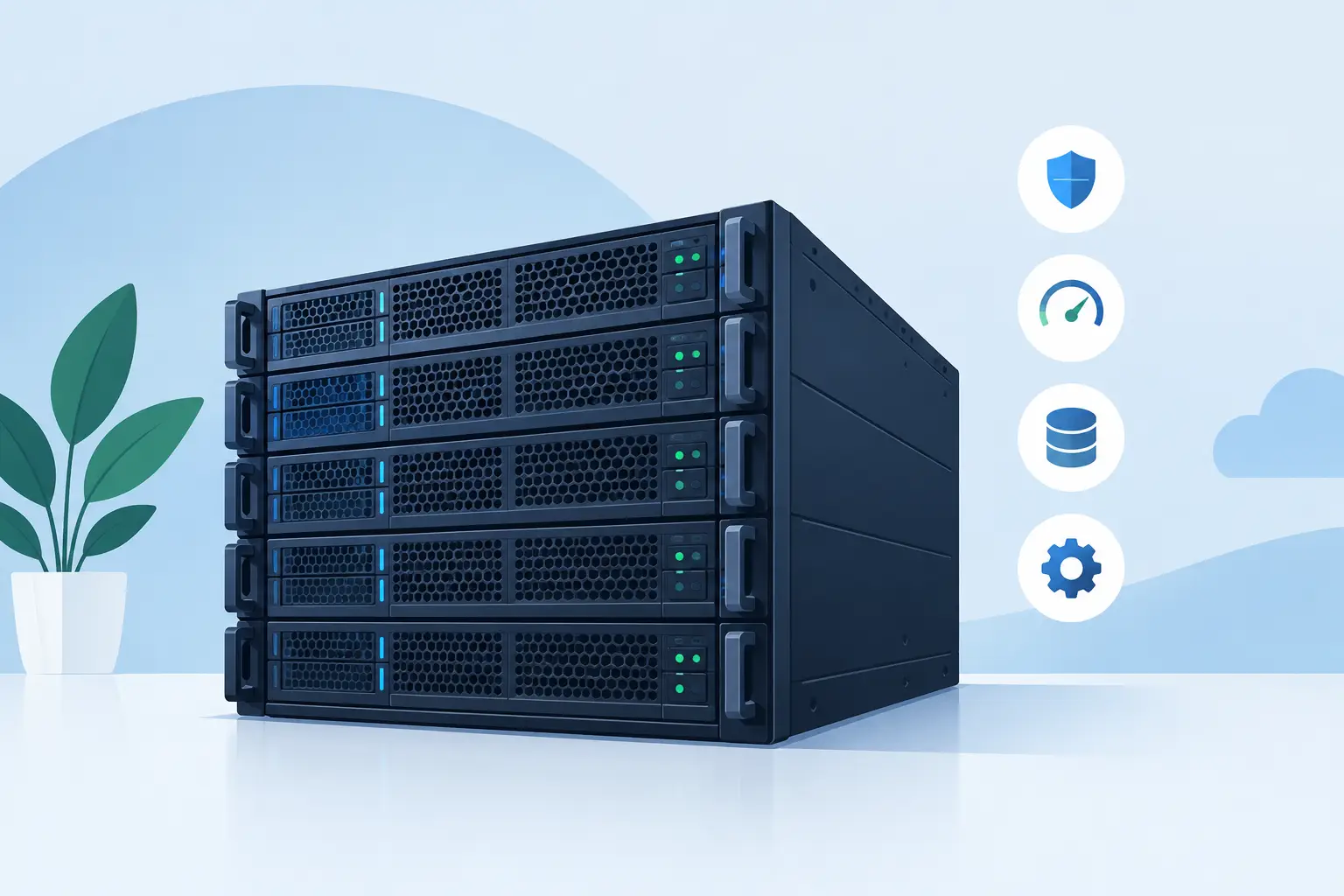
A dedicated server hardware review should begin with the workload, not a processor model or a headline clock speed. Hardware only delivers value when its CPU, memory, storage, and network capacity fit the applications it will run. An overspecified server wastes budget; an underspecified one creates slow queries, queue backlogs, and maintenance pressure that costs far more over time.
Dedicated hardware is especially useful when performance needs to be predictable. Unlike a shared virtual environment, the server's compute cycles, RAM, disks, and network configuration are allocated to one customer. That control is valuable for busy web applications, databases, private services, media processing, game servers, and workloads with specific security or compliance requirements.
Start With the Workload Profile
The same server can be an excellent database platform and a poor fit for a high-frequency application service. Before comparing specifications, establish what is consuming resources now and what will change over the next 12 to 24 months.
A database-backed business application often benefits most from fast storage, sufficient memory for caching, and consistent CPU performance. A build server may need more CPU cores and fast temporary storage. A hosting platform serving many separate sites needs a balanced configuration, with enough RAM to prevent resource contention and enough storage IOPS to handle traffic spikes, backups, and background tasks at the same time.
Peak demand matters more than average utilization. A server that appears lightly loaded at noon may struggle during backups, reporting runs, product launches, or batch imports. Review CPU load, memory consumption, disk latency, network throughput, and application response times during those periods. If these measurements are unavailable, use realistic estimates and leave room for growth.
CPU: Cores, Clocks, and Platform Generation
CPU selection is not simply a matter of buying the largest core count available. The right choice depends on whether the software scales across many threads or relies on fast performance from a smaller number of cores.
Modern AMD server platforms are often attractive for virtualization, analytics, container hosts, and parallel workloads because they can provide substantial core density and memory capacity. Intel Xeon platforms remain common in business infrastructure and can be a sensible choice where application certification, established operational standards, or a particular feature set influences the decision. Both can serve demanding workloads well when sized correctly.
For a busy relational database or application that handles requests in a few intensive processes, stronger per-core performance may matter more than total cores. For virtual machines, CI/CD pipelines, video encoding, or large multi-tenant environments, more cores can increase density and improve scheduling flexibility.
Also consider generation. Newer processors can improve performance per watt, offer newer instruction sets, and support faster memory or storage interfaces. But an older enterprise platform may still be the better financial decision for stable workloads with modest requirements. The useful question is not whether hardware is the newest. It is whether it provides enough capacity, supportability, and efficiency for the operating period you expect.
Watch for CPU licensing implications
Some commercial databases, security products, and enterprise applications are licensed per core. In those cases, a high-core-count server can increase software costs even if the hardware price is reasonable. A smaller CPU with higher clock speeds may produce the better overall result.
Memory: Capacity First, Speed Second
Memory is often the first constraint on a server that hosts multiple services. When RAM is exhausted, the operating system starts relying more heavily on disk-based swap space. Even with NVMe drives, that change can create a noticeable performance decline.
For database servers, available RAM supports larger buffer pools and reduces repeated reads from storage. For virtualization, every guest consumes memory before it consumes much CPU. For web hosting and application stacks, memory must cover the operating system, web processes, application workers, caches, database services, monitoring agents, and a reasonable reserve.
ECC memory is standard for serious server deployments and should not be treated as optional. It helps detect and correct certain memory errors that could otherwise affect application stability or data integrity. Capacity planning should also leave room for expansion. Filling every memory slot on day one can limit future upgrades or require replacing existing modules.
Memory speed can make a difference in data-intensive and virtualization-heavy systems, but capacity usually comes first. A server with enough RAM to keep active data in memory will generally outperform a faster-memory configuration that forces applications to read constantly from disk.
Storage: IOPS, Endurance, and Failure Planning
Storage is where many otherwise capable servers lose responsiveness. Capacity is simple to compare, but capacity alone says little about how a drive will behave under database writes, concurrent application requests, log activity, or backup jobs.
NVMe SSDs offer significantly lower latency and higher IOPS than traditional SATA SSDs and hard drives. They are a strong choice for databases, virtualization hosts, transactional applications, and busy websites. SATA SSDs remain practical for moderate workloads, operating system volumes, and cost-conscious deployments. Hard drives still have a role in high-capacity backup and archive storage, but they are rarely the right primary layer for an I/O-intensive production application.
Redundancy should be planned around availability, not mistaken for backup. RAID 1 protects against the loss of one mirrored drive, while RAID 10 combines mirroring and striping for stronger performance and fault tolerance in many production workloads. RAID 5 or RAID 6 can make sense where usable capacity is the priority, though write behavior and rebuild times need careful consideration.
A hardware review should also account for drive endurance. Enterprise SSDs are designed for sustained writes and predictable operation under continuous use. Lower-cost consumer drives may appear attractive for light duty, but their endurance ratings, power-loss protection, firmware behavior, and support expectations can be less suitable for business-critical services.
No RAID level replaces tested backups. Keep backups separate from the production server, define retention requirements, and test restores regularly. The most expensive backup is the one that has never been restored before an incident.
Networking and Remote Management Matter More Than They Seem
A dedicated server's network port speed should match both traffic patterns and upstream capacity. A 1 Gbps port is sufficient for many business applications, but content delivery, large data transfers, high-traffic platforms, and storage replication may benefit from 10 Gbps or greater connectivity. The included transfer allowance, routing quality, DDoS protections, and geographic location can matter just as much as interface speed.
Remote management is another operational requirement that is easy to overlook. Enterprise servers commonly include out-of-band management capabilities, such as Dell iDRAC or equivalent platform tools. These allow administrators to access the console, review hardware health, mount installation media, and restart a system even when the operating system or network configuration has failed.
That functionality reduces recovery time and makes remote infrastructure practical. It is particularly valuable for self-managed deployments where the administrator needs direct control without waiting for physical access to the server.
Evaluate the Server as an Operating Commitment
A useful dedicated server hardware review goes beyond the specification sheet. Ask how replacement parts are handled, whether failed drives can be replaced quickly, how firmware updates are managed, and what support is available when a problem crosses the boundary between hardware, network, and operating system.
Data center design is part of the hardware decision as well. Redundant power, cooling, physical access controls, monitored operations, and certified facilities affect the real-world reliability of every component in the rack. For organizations with stricter operational requirements, a provider such as Internetport can combine enterprise hardware options with direct data center capability and flexible infrastructure services.
There is also a choice between standardized and custom configurations. Standard server packages are usually faster to deploy and easier to price. Custom configurations are worthwhile when a workload needs a specific storage layout, high memory density, private networking, GPU capacity, or hybrid connectivity with colocated equipment. The trade-off is that specialized hardware can have longer provisioning and replacement timelines.
A Practical Sizing Approach
Start with a conservative baseline: enough CPU for peak processing, enough RAM to avoid regular swapping, NVMe storage for active production data, and redundant disks where availability matters. Then decide which resource is most likely to grow first.
For a growing web application, that may be memory and database IOPS. For a virtualization host, it may be RAM and CPU cores. For an archive platform, it may be storage capacity and network transfer. Choosing a platform with sensible upgrade paths is usually more valuable than paying for maximum specifications before the workload needs them.
The best server is not the one with the longest specification sheet. It is the one that gives your applications predictable headroom, your administrators workable control, and your business a clear path to expand without rebuilding its infrastructure at the worst possible moment.