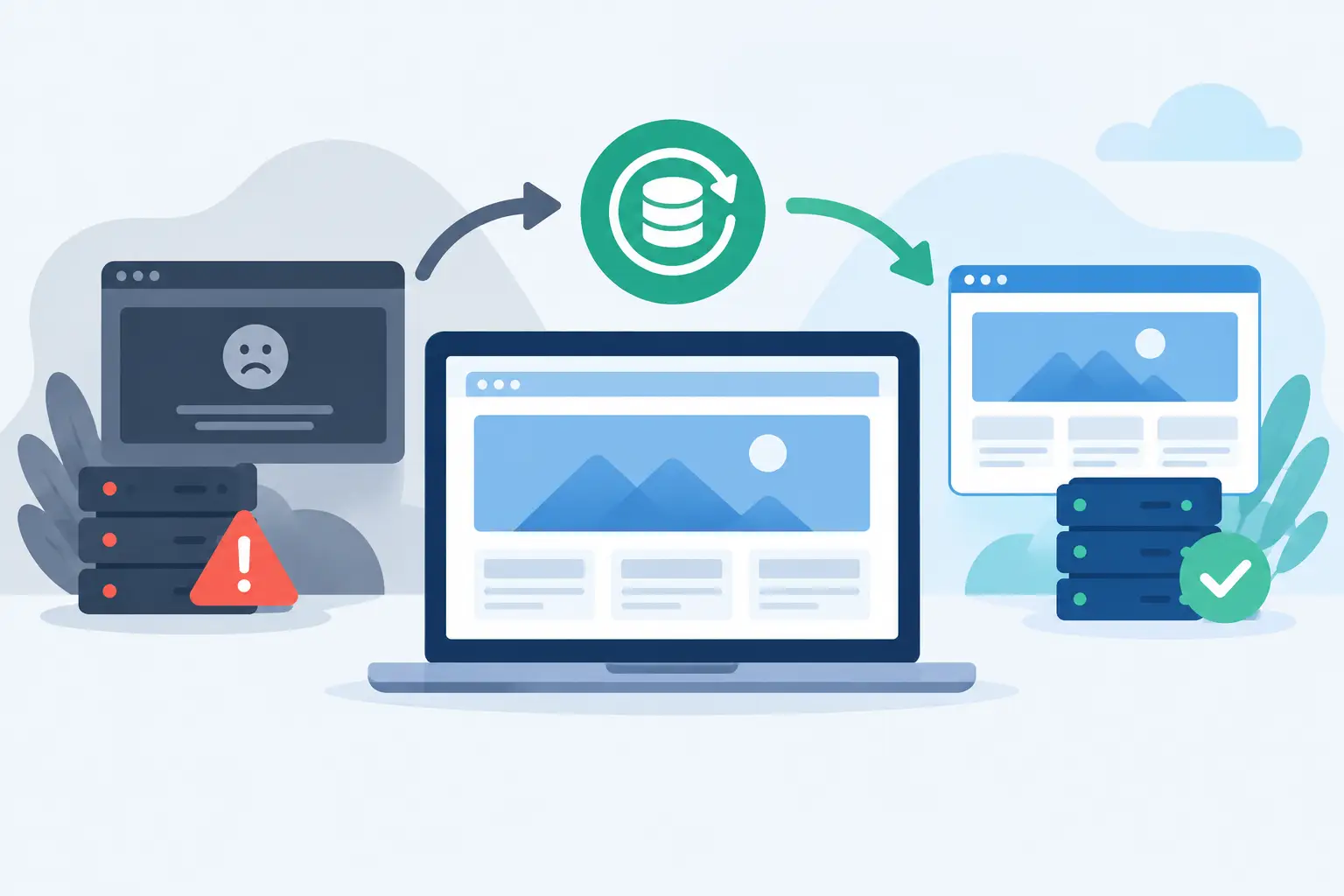
A website outage rarely starts with a dramatic alert. More often, a customer reports a checkout error, an editor cannot log in, or a monitoring check shows a slow response time. This website incident recovery example shows how a small business can restore service methodically while protecting data, avoiding rushed changes, and documenting what needs to improve afterward.
The scenario is deliberately realistic: an online retailer runs a content-managed website, a database, and transactional email on a VPS. Its team has backups, but no one has tested a full recovery in the last six months. At 9:12 a.m. on a Monday, the site begins returning 500 errors after a plugin update and a spike in database connections.
The incident: errors, failed orders, and uncertainty
The first priority is not to identify the perfect technical explanation. It is to establish the impact and stop the situation from getting worse. The administrator checks uptime monitoring, web server logs, database logs, and resource graphs. CPU usage is elevated, available memory is low, and the application error log points to repeated database connection failures.
The team defines the incident clearly: the public storefront is intermittently unavailable, customers may be unable to complete orders, and staff access is unreliable. That statement matters because it prevents the response from becoming a collection of unrelated troubleshooting tasks.
A designated incident lead opens a shared incident record and timestamps every significant action. Another team member handles customer communication. For a small organization, those roles may be filled by the same person at first, but separating them when possible reduces confusion. Technical responders need room to investigate, while customers and internal stakeholders need accurate updates rather than guesses.
The team also freezes nonessential changes. No new deployments, theme edits, plugin installations, or server upgrades occur during the incident. A well-intentioned fix can overwrite useful evidence or create a second failure that is harder to untangle than the first.
Website incident recovery example: the response sequence
In this case, the administrator first places the storefront into a controlled maintenance state. A static maintenance page is served from outside the affected application stack, so visitors receive a clear message instead of random errors. This does not restore revenue, but it gives the operations team a stable working environment.
Next, the team takes a snapshot or backup of the affected VPS before making major changes. This step is easy to skip when the pressure is high. It preserves logs, application files, and configuration details that may explain the failure later. A snapshot is not a substitute for an independent backup, but it is useful evidence during active recovery.
The administrator then confirms that the underlying host and network are healthy. The VPS responds normally, storage latency is within range, and there is no wider data center or network event. The problem is contained within the application environment.
Database inspection reveals too many open connections from the application user. The recent plugin update introduced a process that did not release connections correctly under load. Restarting the web service clears the immediate connection buildup, but the team does not stop there. A restart can restore service while leaving the root cause active.
The updated plugin is disabled, and the application is tested in a restricted environment. The team validates the home page, product pages, account login, checkout flow, payment callback, and order confirmation emails. They also compare order records with payment processor activity to identify transactions that may have been authorized but not recorded correctly.
Only after those checks pass does the team remove the maintenance page. Monitoring remains elevated for the next several hours, with alerts for response time, error rate, database connections, disk usage, and failed scheduled tasks. Recovery is not the moment a site first loads again. Recovery is the point at which the service is working predictably enough that the team can stand down.
Why restoring from backup was not the first move
A full restore is sometimes the correct decision. It is often necessary after destructive data loss, ransomware, accidental deletion, or an unsuccessful upgrade that cannot be safely reversed. But restoring too quickly can introduce a different problem: lost orders, content updates, user registrations, or customer messages created after the backup point.
In this incident, the application data remained intact. The fault was isolated to an extension and resource exhaustion, so a rollback of the plugin and controlled service restart had less business impact than restoring the entire server.
That trade-off depends on the nature of the incident. If a database is corrupted or a server is compromised, the safer path may be to rebuild from a known-good image and restore verified data. If the issue is a bad configuration change, a targeted rollback may be faster and safer. The recovery plan should define who can make that decision and what evidence they need.
The recovery controls that made the difference
The technical fix was straightforward. The ability to execute it calmly came from a few operational controls. The business had current backups, access credentials stored outside the affected server, and monitoring that identified the service degradation quickly.
A practical recovery setup should include four independent capabilities:
- Monitoring that detects availability, performance, and critical application failures from outside the production environment.
- Backups that are automated, retained for appropriate periods, stored separately, and tested through actual restoration exercises.
- Documented access to DNS, hosting controls, server consoles, source code, and third-party services such as payment or email providers.
- A short incident runbook that identifies owners, communication channels, recovery priorities, and escalation contacts.
The details will vary by workload. A marketing site might tolerate several hours of restoration time if its content can be recovered from a daily backup. A customer portal or ecommerce platform may need tighter recovery point and recovery time objectives. Those objectives should shape the infrastructure budget, replication design, backup frequency, and on-call coverage.
For example, a VPS may be the right fit for a business application that needs isolated resources, root-level control, and predictable monthly costs. A dedicated server can make more sense when sustained database load, high traffic, or compliance requirements call for reserved hardware. In either case, the recovery design must account for more than the server itself. DNS, object storage, email delivery, certificates, and external APIs can all affect whether the website is truly usable.
The post-incident review that prevents repeat failures
The next business day, the team runs a blameless review. The purpose is not to identify who clicked update. It is to understand how the technical and operational system allowed a routine change to affect production.
They establish a timeline from the plugin deployment to the first alert, the maintenance window, service restoration, and final validation. They then separate facts from assumptions. The plugin exhausted database connections. Existing alert thresholds detected errors, but they did not alert early enough on rising connection counts. The team also discovered that its rollback procedure was known informally but not written down.
The corrective actions are specific: test plugin updates in a staging environment, add connection-pool alerts, set a change window for production extensions, document rollback steps, and conduct a quarterly restore test. Each action gets an owner and a due date. Without ownership, a post-incident report becomes a record of good intentions.
A useful review also checks customer impact. Were orders lost? Did support receive messages that need follow-up? Did the maintenance notice set realistic expectations? Technical recovery and customer recovery are connected. A site can be operational while affected customers are still waiting for answers.
Build the plan before the alert arrives
The strongest incident response plans are short enough to use under pressure. Start with the first 30 minutes: verify the alert, assess customer impact, assign a lead, preserve evidence, stop risky changes, and choose the least destructive recovery path. Then document the next layer of work, including validation, communications, monitoring, and review.
Internetport customers can align that plan with infrastructure that fits their workload, whether that means a managed hosting environment, a configurable VPS, dedicated capacity, or colocated systems. The key is knowing where the service depends on infrastructure, and making sure recovery access is available when the primary application is not.
A tested recovery process does more than reduce downtime. It gives your team a way to make sound decisions when the dashboard is red, customers are waiting, and every shortcut looks tempting. Schedule the restore test before you need it. That is when a recovery plan becomes operational rather than theoretical.