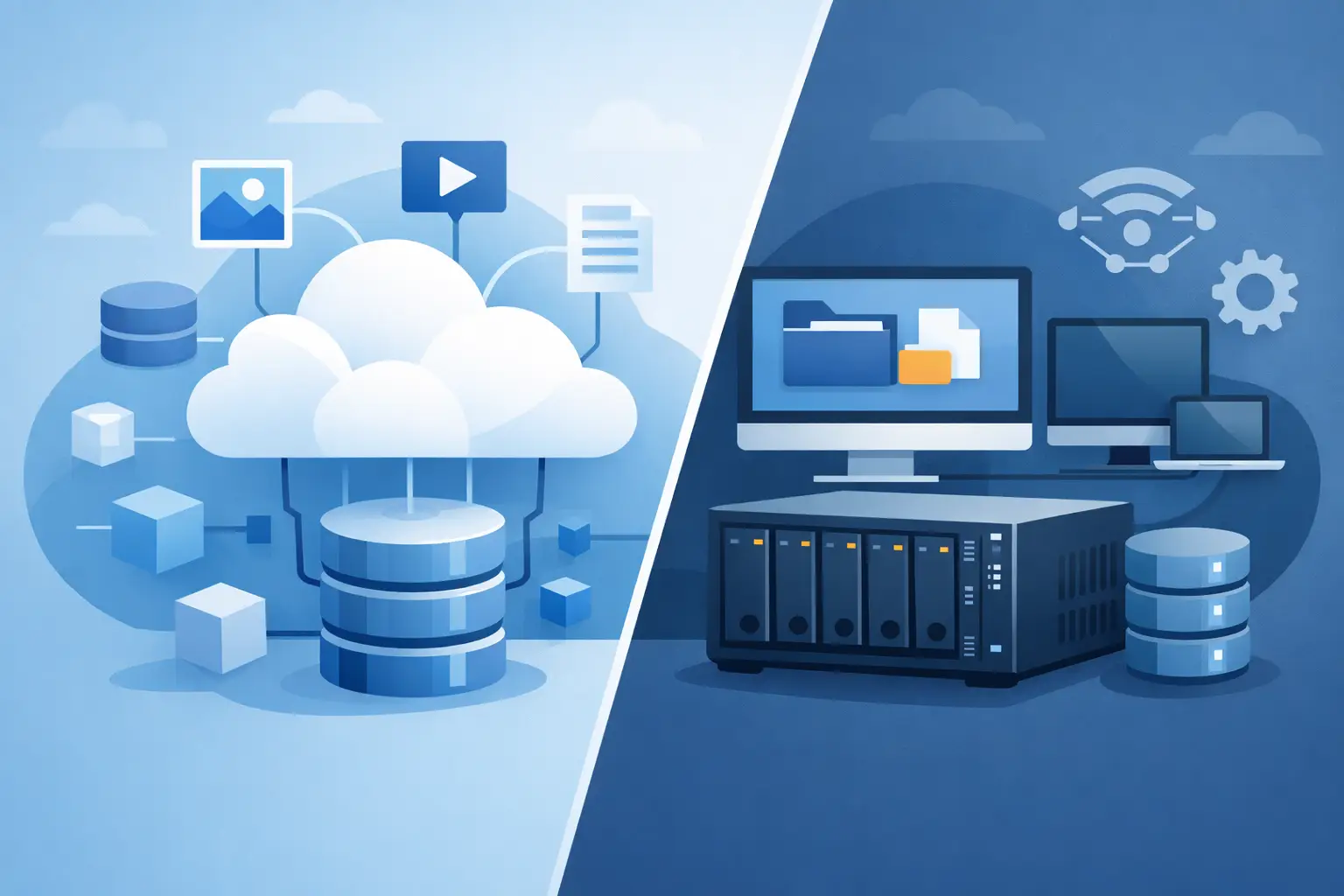
A shared project folder that needs file locking has very different infrastructure requirements from a backup repository holding hundreds of millions of files. That is why object storage vs NAS is not simply a capacity decision. It affects how applications access data, how teams collaborate, how easily storage grows, and what operational work falls on your IT team.
Both platforms can store the same photo, database export, video file, or document. The difference is in the interface and behavior around that data. Choosing the right one starts with the workload, not the amount of storage you need today.
Object Storage vs NAS: The Core Difference
Network-attached storage, or NAS, presents storage as a familiar file system. Users and applications connect over network file-sharing protocols such as SMB or NFS, then work with folders, filenames, permissions, and files. To a workstation, server, or application, a NAS share behaves much like a local drive that happens to be accessed across a network.
Object storage takes a different approach. Data is stored as individual objects in a flat namespace, usually organized into buckets. Each object includes the data itself, a unique identifier, and metadata. Applications generally access it through an HTTP-based API, commonly an S3-compatible API, rather than by mounting it as a traditional drive.
That architectural distinction drives most of the practical trade-offs. NAS is optimized for active file workflows. Object storage is designed for large-scale, durable data repositories that applications can access programmatically.
Where NAS is strongest
NAS is the natural choice when people or software need to browse directories, open files directly, rename them frequently, and rely on shared file behavior. Office documents, design files, source code workspaces, media production projects, and internal departmental shares often fit this model.
It also works well with applications that expect a POSIX-style file system or require low-latency access to many small files. A legacy application may have no practical way to write directly to an object storage API. In that situation, replacing its storage layer can create unnecessary risk and engineering effort.
File locking is another important consideration. If several users are editing the same files, NAS protocols and file-system semantics provide a more natural model for coordinated access. The exact behavior depends on the protocol, client operating systems, and application, but NAS remains the familiar answer for collaborative shared folders.
Where object storage is strongest
Object storage is built for scale and durability rather than interactive file browsing. It is well suited to backups, archives, static website assets, software packages, log retention, video libraries, data lakes, and application-generated content such as user uploads.
Because objects are accessed through an API, applications can retrieve exactly what they need from virtually any environment that supports the API. This works particularly well for cloud-native services, containers, distributed applications, and automated backup tools. S3-compatible object storage also reduces dependence on a single application or hosting environment because many tools already support the S3 protocol.
Object storage can manage enormous numbers of objects without requiring administrators to maintain a growing directory tree or continually expand a file server. Objects can carry custom metadata, which is useful for tagging data by customer, project, retention class, content type, or processing status.
Performance Depends on Access Patterns
It is easy to call NAS faster because it often delivers low-latency file access on a local network. That can be true for workloads involving frequent reads and writes, small files, database-adjacent assets, or users opening files from a shared drive. A NAS close to the application servers can provide predictable performance when it is properly sized and connected.
But raw latency is not the only performance measure. Object storage can provide excellent throughput for large files and massively parallel reads. A media platform serving many downloads or an analytics process reading large datasets may benefit more from an object-based design than from a single file share.
Object storage is generally a poor fit for workloads that make constant in-place edits. An object update commonly means writing a replacement object rather than modifying a few bytes within an existing file. That is acceptable for backups and completed media assets, but inefficient for a virtual machine disk image that changes continuously or a database file with frequent random writes.
A NAS can also become a bottleneck if many systems compete for the same controller, network connection, or file-system namespace. Scale-out NAS platforms exist, but they can be more complex and expensive to operate. Object storage usually scales more naturally for capacity and concurrent access, although API request rates, object sizes, and network paths still need to be planned.
Cost Is More Than Price per Terabyte
Object storage often offers an attractive cost model for data that must be retained for a long time but is not edited constantly. Its architecture is designed to make large pools of data economical, especially when capacity grows into tens or hundreds of terabytes.
However, compare the full access pattern before choosing based on storage price alone. Object storage may have costs associated with API requests, data retrieval, or outbound transfer, depending on the provider and service plan. A workload that reads the same data repeatedly can have a different cost profile from a backup archive that is rarely restored.
NAS costs are usually tied more directly to allocated capacity, hardware performance, redundancy, and support requirements. A modest file share can be straightforward and cost-effective. As capacity, performance, snapshots, replication, and high availability requirements increase, the operational and hardware costs can rise quickly.
For a practical comparison, estimate how much data you will store, how often it will be read, how frequently it changes, where it must be accessed from, and how long it must be retained. Those numbers reveal more than a headline price per terabyte.
Security and Data Protection Use Different Models
NAS typically uses share-level and file-level permissions. Administrators can map access to users and groups through SMB, NFS, directory services, and access control lists. This is intuitive for internal teams because it mirrors the permissions model they already use for folders and files.
Object storage relies on bucket policies, access keys, service accounts, and API permissions. This can provide precise control for applications and automation, but credentials must be managed carefully. A backup application, for example, should receive permission only for the bucket and actions it requires, not broad access to every stored object.
Both options need a data-protection plan. NAS snapshots can protect against accidental deletion and ransomware when configured correctly, while replication can support recovery at another location. Object storage can support versioning, retention policies, and immutable storage controls, depending on the implementation. Neither technology is automatically a complete backup strategy. Recovery objectives, retention requirements, encryption, and tested restore procedures still matter.
For organizations with compliance or infrastructure control requirements, storage location and physical operations also deserve attention. A provider with direct data center capabilities and certified facilities can be a meaningful factor alongside the storage protocol itself.
Choose Based on the Application, Not Habit
Choose NAS when users need a shared drive, applications need a mounted file system, files change frequently, or file locking and low-latency access are central to the workflow. It is usually the better operational fit for active collaboration and established software that expects file shares.
Choose object storage when data is written once or updated infrequently, capacity needs to grow without reworking a file-server design, or software can use an S3-compatible API. It is especially effective for backups, archives, static assets, software distribution, logs, and application data that benefits from metadata and automation.
Many businesses should use both. A creative team may work from a NAS share while completed projects move to object storage for long-term retention. A database server may keep active data on high-performance block storage, write backups to object storage, and use NAS for operational exports shared between internal systems. This hybrid approach keeps each storage layer aligned with its job.
Internetport customers evaluating S3-compatible object storage alongside server or hosting infrastructure can use the same principle: keep active, file-system-dependent workloads close to the compute environment, and use object storage where durable scale and API-based access provide a clear advantage.
The best next step is to inspect one real workload: measure its file sizes, read and write frequency, user access needs, retention period, and recovery target. Once those details are clear, the storage choice usually becomes far less ambiguous.