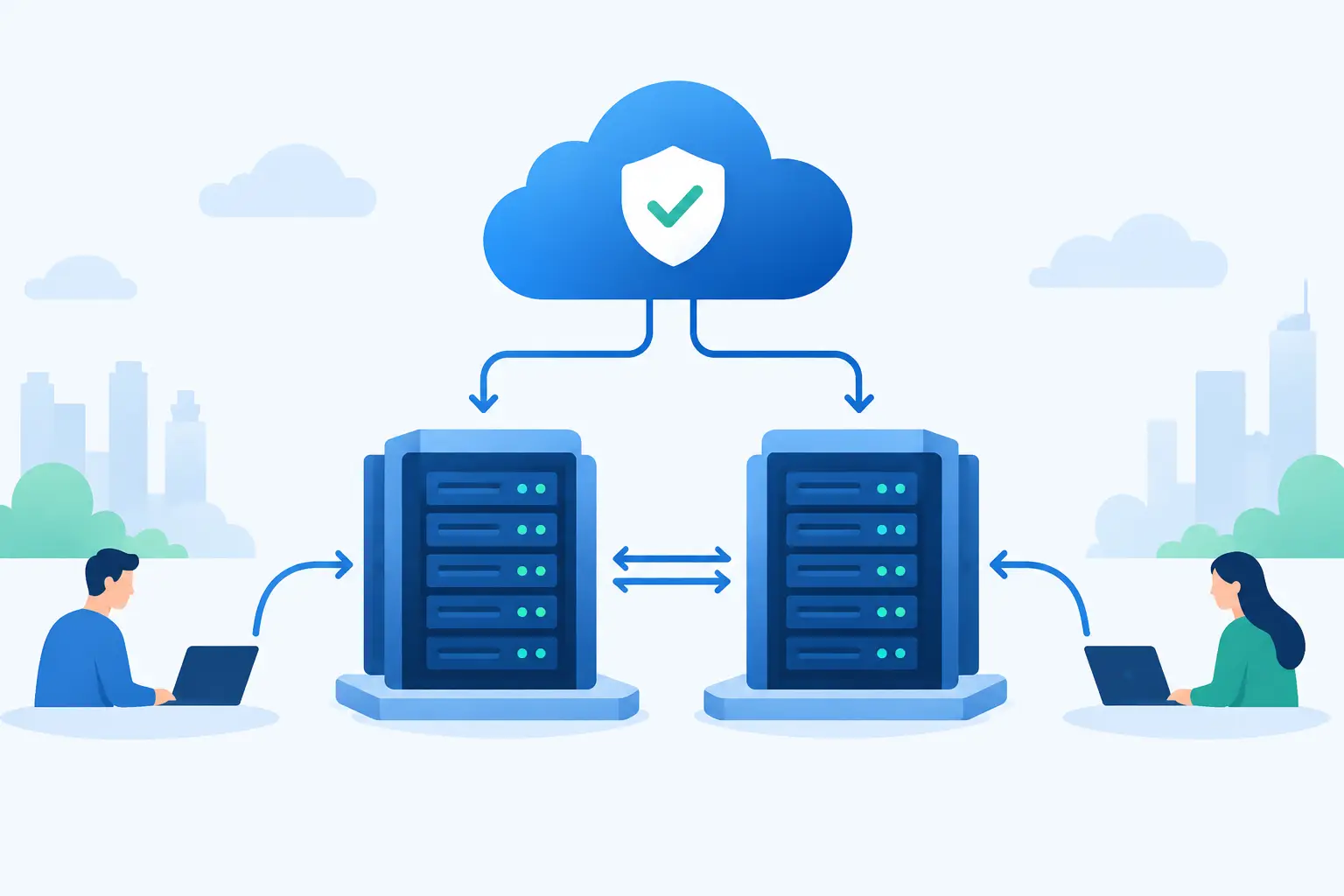
A high availability architecture example is most useful when it starts with a realistic failure: a web server stops responding at 2:00 a.m., a database node needs maintenance, or a network path becomes unavailable. If one failure takes down the entire service, the environment is not highly available, regardless of how powerful the server is.
For many businesses, the practical goal is not zero failures. Hardware, software, and upstream services can all fail. The goal is to prevent a single component failure from becoming customer-facing downtime, while keeping the design affordable and manageable for the team operating it.
What High Availability Actually Means
High availability, often shortened to HA, is the ability of an application or service to remain available when individual components fail or require planned maintenance. It is designed around redundancy, health checks, and automatic recovery.
HA is different from disaster recovery. High availability handles localized failures such as a failed virtual machine, database process, switch port, or application deployment. Disaster recovery addresses larger events, including data center outages, destructive data loss, or a regional incident. A business may need both, but they solve different problems.
The right target depends on the workload. A marketing site may tolerate a short interruption during maintenance. An online store, customer portal, API, or internal business system may need failover within seconds or minutes. Define the acceptable recovery time objective, or RTO, before choosing infrastructure. Also define the recovery point objective, or RPO, which states how much recent data the business can afford to lose.
A Practical High Availability Architecture Example
Consider a mid-sized company running a customer-facing web application. The service includes a web frontend, application code, a relational database, file storage, DNS, and monitoring. The company expects steady traffic, occasional peaks, and very limited tolerance for downtime during business hours.
A sensible architecture could look like this:
```text Users | DNS with health-aware routing | Redundant load balancer layer | +-------------------------------+ | Application node A | | Application node B | +-------------------------------+ | Database primary <--> Database standby | S3-compatible object storage and backup repository ```
The load balancer distributes requests between two application nodes. Each node runs the same application release and has access to shared services rather than storing critical session data or uploaded files locally. If application node A fails its health check, the load balancer removes it from rotation and sends new requests to node B.
Behind the application tier, the primary database handles writes while a standby database receives replication. If the primary database fails, an automated or operator-approved failover promotes the standby. The best choice depends on the database platform, the required RTO, and the team’s confidence in automated failover. Automation reduces recovery time, but an incorrect failover decision can create a more complicated outage than a controlled manual response.
Object storage holds uploaded files, exports, backups, and static assets that must outlive any individual application server. This matters because replacing a failed web server should not mean restoring customer documents from an unverified local disk.
How a Request Survives a Server Failure
Under normal conditions, a user request reaches the load balancer and is sent to either application node. The application retrieves session or application data from a shared service and reads or writes business data through the database layer. Neither application node should be special.
If one application node becomes unavailable, health checks detect the problem. The load balancer stops forwarding traffic to that node, while the remaining node continues serving requests. Capacity planning matters here: the surviving node must have enough CPU, memory, connections, and bandwidth to handle the reduced environment. Two nodes that are both running at 70% utilization do not provide meaningful failover capacity.
When the failed node is repaired or rebuilt, it should rejoin the pool only after passing health checks. This avoids returning a partially functional instance to production simply because its operating system is online.
Remove Single Points of Failure Deliberately
A high availability design can still fail if redundancy exists only in the obvious place. Two application servers do not help if both depend on one load balancer, one database volume, one network uplink, or one poorly managed DNS record.
Start by mapping dependencies from the user back to the data. For each component, ask what happens if it fails and whether another component can take over. In most environments, the highest-priority areas are compute, database services, network paths, storage, and power.
Redundancy must also be independent enough to matter. Two virtual machines on the same physical host can protect against a guest operating system failure, but not a host failure. Two servers in the same rack can reduce server-level risk, but not necessarily protect against a rack power or switching issue. Separation across hosts, network equipment, and where appropriate, data center locations, improves resilience but increases cost and operational complexity.
The database deserves particular attention. Stateless application nodes are relatively easy to duplicate. Databases contain changing state, transactions, and consistency requirements. Synchronous replication can reduce data loss but may increase write latency or make availability dependent on both nodes. Asynchronous replication can perform well across longer distances but may lose the most recent transactions during a failover. There is no universal correct setting. Match the replication method to the value of the data and the speed of recovery required.
Design the Application for Failover
Infrastructure alone cannot make an application highly available. The application must tolerate retries, duplicate requests, temporary dependency failures, and node replacement.
Keep application nodes stateless whenever possible. Store sessions in a shared cache, database, or signed client-side mechanism rather than in local memory. Put user uploads and generated files in object storage or another shared storage system. Keep configuration in version-controlled deployment tooling, secure configuration management, or a managed secrets system so a replacement node can be built consistently.
Database writes should be idempotent where practical. In plain terms, a request that is retried after a timeout should not create two orders, two invoices, or two support tickets. Use unique request identifiers, transaction controls, and clear error handling around payment providers and external APIs.
Caching also requires discipline. A cache can protect the database and improve response times, but it should not become an undocumented source of truth. Plan what happens when the cache is cleared, unavailable, or serving stale data. For many applications, a temporary performance reduction is preferable to incorrect customer data.
Monitoring Turns Redundancy Into Availability
Redundant components are only useful when failures are detected quickly and the team knows what to do next. Monitor the service from the outside as well as the inside. A process can be running while users still receive errors because of DNS issues, expired certificates, failed dependencies, or application-level faults.
Useful monitoring combines availability checks with infrastructure signals. Track HTTP response codes and response times, application error rates, CPU and memory pressure, disk capacity, database replication lag, backup status, certificate expiration, and network packet loss. Alert on conditions that require action, not every minor fluctuation.
A short runbook should state who receives alerts, how to verify the impact, how failover works, and when to escalate. During an incident, clear procedures save more time than a complex dashboard. Test alert routing regularly, including outside standard business hours.
Test Failure Before It Becomes an Outage
Failover that has never been tested is an assumption, not a capability. Schedule controlled tests for application node loss, database standby promotion, backup restoration, and load balancer health-check behavior. Start in a staging environment, then run carefully planned production exercises when the risk is acceptable.
Testing often reveals operational gaps: an IP allowlist that blocks the standby server, a backup that completed but cannot be restored, DNS records with an unexpected cache duration, or a recovery procedure that depends on one administrator’s personal knowledge. These findings are valuable because they are discovered on your schedule rather than during a customer-impacting event.
Record results after every test. Measure detection time, failover time, service recovery time, and any data inconsistency. Use those results to refine capacity, automation, and documentation.
Build for the Availability You Can Operate
The most expensive architecture is not always the most available one. Every additional node, replication path, and automation rule creates more systems to patch, monitor, and understand. A two-node application tier with a replicated database, reliable backups, and disciplined testing can be a strong fit for many businesses. Larger organizations may need multi-site active-active services, dedicated network redundancy, colocation, and custom recovery planning.
Start with the failure that would hurt the business most, then fund the controls that prevent it. A high availability design earns its value when a routine server failure becomes an operational event instead of a customer outage.