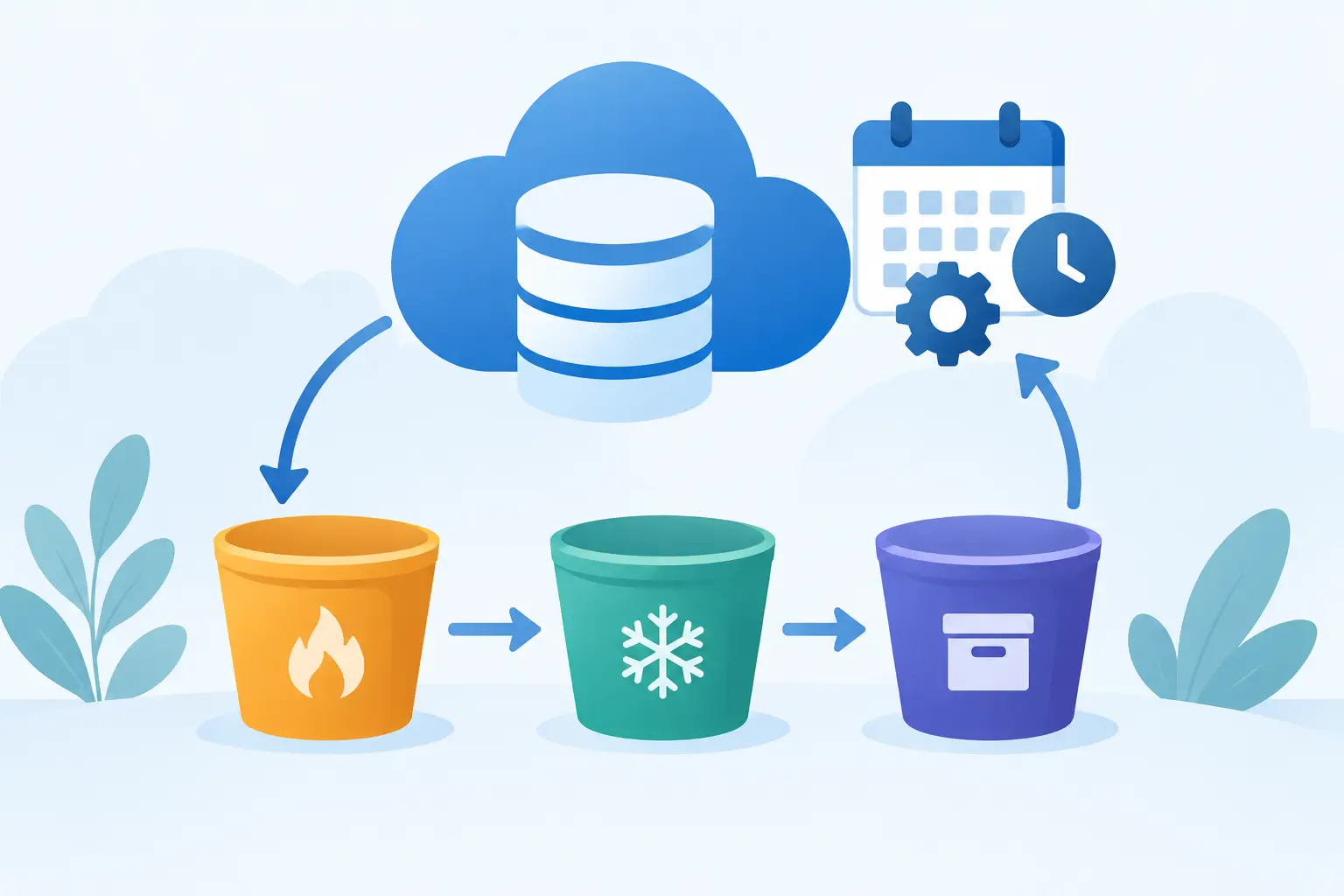
Object storage often starts simple: applications write files, backups accumulate, and teams keep everything because deleting the wrong data can cause a real incident. Over time, that caution becomes expensive. When you create object storage lifecycle rules, you turn retention decisions into predictable automation instead of a recurring cleanup project.
For businesses using S3-compatible object storage, lifecycle rules can remove expired data, expire incomplete uploads, and transition objects to a more economical storage class where the platform supports it. The result is better cost control without requiring someone to audit buckets every month.
Start with the data, not the rule
A lifecycle policy is only as good as the retention decision behind it. Before setting any action, identify what is stored in each bucket and why it exists. A production backup bucket has a different risk profile from a bucket holding temporary image-processing files. Treating them the same is a common source of either unnecessary spend or accidental data loss.
Classify objects by operational purpose. Typical categories include application uploads, database backups, logs, build artifacts, media assets, exports, and temporary processing files. Then establish who owns the data and what recovery, audit, legal, or customer requirements apply.
Retention should also reflect how data is actually accessed. A nightly backup may be critical but rarely read. A website image may be stored for years yet accessed constantly. Access frequency, required recovery time, and business value should guide the rule, not object size alone.
Define a retention schedule people can defend
The best lifecycle schedules are clear enough to explain during a security review and practical enough to operate for years. Avoid vague policies such as "keep backups for a while." Define a specific retention period and the reason behind it.
For example, an organization might retain daily database backups for 30 days, weekly backups for 90 days, and monthly backups for one year. That schedule can support routine recovery while limiting the long-term growth of high-volume backup data. The exact periods depend on your recovery objectives, compliance obligations, and available budget.
Temporary data usually deserves a much shorter window. Application-generated thumbnails, upload staging files, failed exports, and transient reports can often expire after a few days. However, confirm that background jobs, asynchronous processing, or delayed customer downloads do not still depend on those objects.
A useful rule of thumb is to retain data for the longest legitimate operational need, then remove it automatically. Keeping every version indefinitely is not a backup strategy. It is unmanaged retention.
How to create object storage lifecycle rules safely
When you create object storage lifecycle rules, begin with a narrow scope. Apply a rule to a dedicated bucket, a prefix such as `logs/` or `temporary/`, or objects carrying a consistent tag. This limits the blast radius and makes the rule easier to test.
A typical lifecycle rule contains four decisions: which objects it applies to, when the action starts, what action occurs, and whether there are exceptions. Actions may include expiration, storage-class transition, deletion of noncurrent object versions, and cleanup of incomplete multipart uploads.
For a first rule, expiration is usually the easiest place to start. A bucket prefix called `uploads/tmp/` may contain files that are only needed during a processing workflow. If the application completes work within 24 hours, setting expiration at seven days provides a safety margin while preventing forgotten files from accumulating indefinitely.
Do not make lifecycle deletion your only control for sensitive data. Access policies, encryption, bucket permissions, application-level validation, and backup processes still matter. Lifecycle automation manages retention. It does not replace security design.
Use prefixes and tags deliberately
Prefixes are practical when your application already stores data in predictable paths. For example, `backups/daily/`, `backups/monthly/`, and `exports/` can each have different lifecycle treatment. This approach is easy to inspect and works well when storage organization is under your control.
Tags are useful when objects with different retention needs must live in the same logical path. A tag such as `retention=30d` or `data-class=temporary` can drive lifecycle behavior without requiring the application to change its object key structure. The trade-off is operational discipline: every application writing data must apply tags consistently.
Use one approach where possible. Combining prefixes, tags, overlapping rules, and versioning logic can be appropriate for complex environments, but it makes troubleshooting harder. Simple policies are easier to audit and less likely to produce surprises.
Account for versioning before deleting objects
Versioning changes what deletion means. In a versioned bucket, deleting an object may add a delete marker while prior versions remain stored and billable. If your goal is cost reduction, account for noncurrent versions explicitly.
A sensible versioning policy may retain noncurrent versions for a limited period, such as 30 or 60 days, before permanent removal. That creates a recovery window for accidental changes without retaining every historical version forever. For critical records, the retention period may need to be longer or governed by a separate archival policy.
Test versioning behavior carefully before applying lifecycle rules to production data. Teams sometimes assume a delete rule removes all copies, then discover that old versions have continued to consume capacity for months.
Clean up incomplete multipart uploads
Multipart uploads are useful for large objects and unreliable network connections, but abandoned uploads can leave partial data behind. These fragments may not be visible in normal application workflows, yet they still consume storage.
Add a lifecycle action to abort incomplete multipart uploads after a reasonable period, often seven to 14 days. The right threshold depends on the size of typical uploads and expected network conditions. A media archive receiving multi-gigabyte files may need more time than an application uploading small documents.
This is one of the lowest-risk lifecycle controls because it targets uploads that were never successfully completed. It is also an easy way to prevent silent storage growth in development, testing, and automated ingestion workflows.
Test the policy before making it broad
Lifecycle processing is not usually immediate. Object storage platforms evaluate rules asynchronously, so an object may remain present after its scheduled age before the service processes it. Build this timing into your test plan and do not rely on lifecycle rules for second-by-second deletion requirements.
Create a test bucket or a clearly isolated test prefix. Upload representative files, including large objects, tagged objects, versioned objects, and multipart uploads where relevant. Confirm that the selected scope matches only the intended objects. Then review the result after the expected evaluation window.
Document the policy alongside the application or service that owns the data. Record the bucket, prefix or tag criteria, retention duration, action, business owner, and review date. This matters when a developer changes an object naming convention or an administrator inherits a storage environment with years of accumulated data.
Monitor storage trends and revisit assumptions
Lifecycle rules reduce manual work, but they should not become invisible. Review storage use and object counts after deployment. If capacity does not decline as expected, check for noncurrent versions, data written outside the targeted prefix, failed tagging, or another application using the bucket.
Also watch for retention rules that are too aggressive. Support teams may discover that customers need exports for 45 days while the policy deletes them after 30. The solution is not to disable automation entirely. Adjust the rule, communicate the retention window, and keep the policy aligned with the service commitment.
For regulated or high-value data, involve legal, security, and application owners before changing retention. A technically correct rule can still be the wrong business decision if it conflicts with an investigation hold, contractual obligation, or recovery requirement.
A well-designed lifecycle policy gives storage a defined operating model: data remains available for as long as it has a purpose, and it leaves automatically when it does not. Start with one low-risk bucket, validate the results, and expand from there. That measured approach keeps object storage affordable without sacrificing control.