A lot of teams buy object storage for "cheap cloud storage" and then treat it like a network drive. That is usually where the friction starts. If you want to understand how to use object storage well, the first step is knowing what it is good at, what it is not, and how to fit it into the rest of your infrastructure without creating unnecessary complexity.
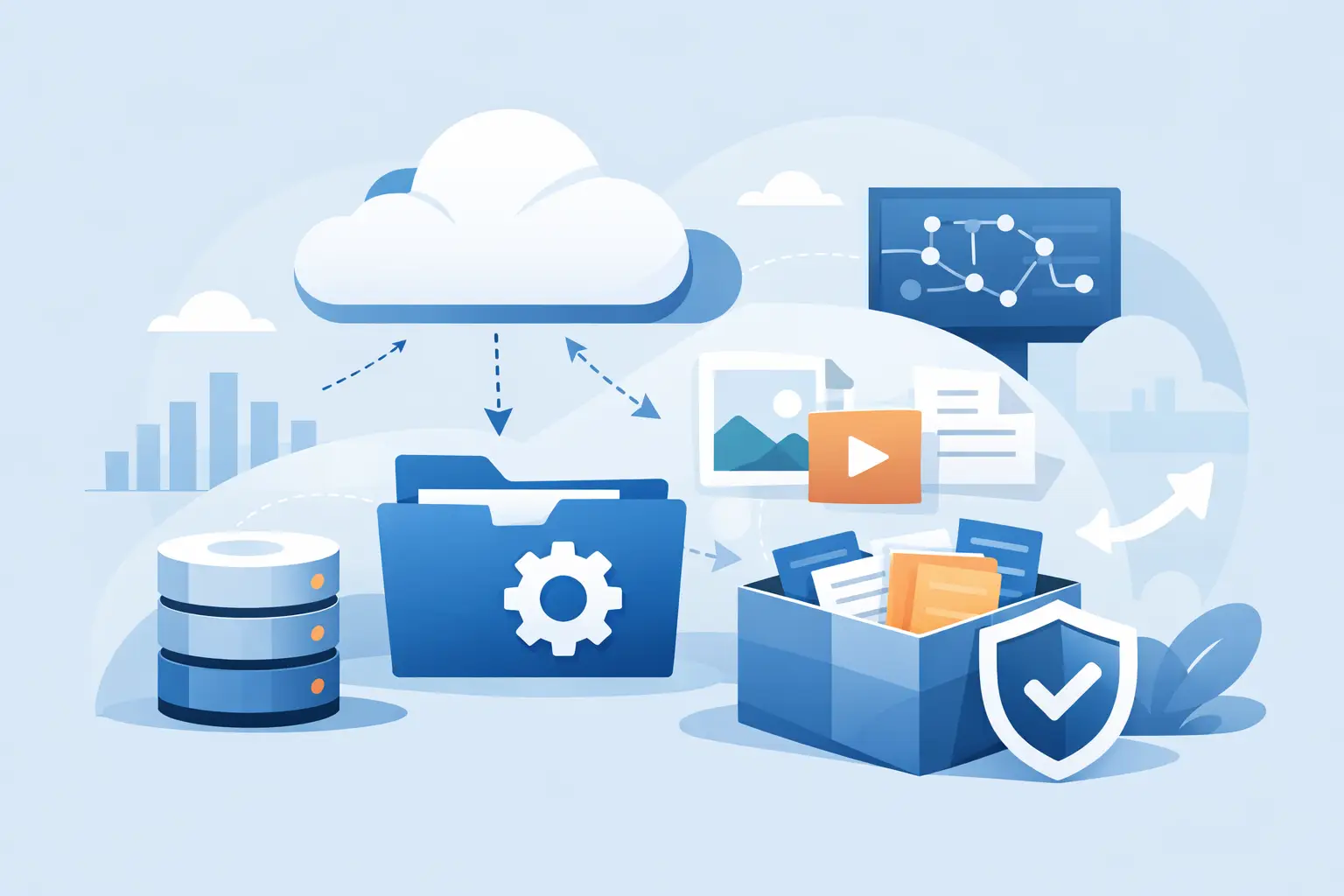
Object storage is built for scale, durability, and straightforward access over APIs. Instead of storing data in folders on a local disk or mounting it like traditional block storage, it stores files as objects inside buckets. Each object includes the data itself, metadata, and a unique identifier. That design makes it a strong fit for unstructured data such as backups, website media, log archives, static assets, documents, and application-generated files.
What object storage is actually for
The easiest way to think about object storage is as a durable repository for data you need to keep, retrieve, and scale without managing a traditional file server. It works especially well when your applications already communicate over HTTP or an S3-compatible API.
For many businesses, the most practical use cases are not exotic. A website owner might store product images and downloads. A SaaS team might push user uploads and generated reports into buckets. An agency might use it for backup retention across multiple client environments. IT teams often use it for logs, snapshots, and long-term archives that should not live on expensive primary server disks.
Where object storage is less suitable is just as important. It is usually not the right place for a live database volume, low-latency transactional storage, or workloads that expect a normal POSIX file system with file locking and instant block-level updates. If your application expects a mounted disk and very high IOPS, block storage or local NVMe is the better fit.
How to use object storage in real environments
Most deployments follow a simple pattern. Your compute layer does the processing, and object storage holds the data that needs to be retained, served, or shared across systems. That compute layer could be a VPS, a dedicated server, a container host, or an application cluster.
A common example is a web application. The app runs on your server, while uploads are written to object storage instead of the web root. That keeps your application servers lean and makes it easier to scale horizontally, because multiple instances can reference the same bucket rather than depending on local storage.
Another common setup is backup offloading. Instead of keeping backups only on the same server or same virtualization node, you push them to object storage on a schedule. That improves resilience and helps separate production compute from retained data. For ransomware planning, that separation matters.
Static content delivery is another strong use case. If you have media libraries, software packages, PDFs, or exported assets that do not need dynamic processing on every request, object storage gives you a clean way to store and serve them. Depending on the architecture, you may place caching or a CDN in front later, but the storage layer remains simple.
How to use object storage without making architecture mistakes
The most common mistake is assuming object storage replaces every other storage type. It does not. Good infrastructure design usually mixes storage types based on workload.
Use local or block storage for active databases, temporary processing, and applications that need fast writable disks. Use object storage for durable blobs, backups, archives, and shared application assets. If you separate those roles clearly, troubleshooting gets easier and costs are easier to predict.
Another mistake is ignoring request patterns. Object storage pricing is often attractive for capacity, but your total cost also depends on how frequently data is read, written, or moved. A large archive that is rarely accessed behaves very differently from a busy application that reads thousands of small objects per minute. It is worth estimating both storage volume and access behavior before you commit to a design.
Application behavior matters too. Some software supports S3-compatible storage natively. In that case, setup is straightforward. Other tools need plugins, gateways, or custom configuration. If a platform only works properly with mounted file systems, forcing object storage into the design can create more problems than it solves.
Set up buckets, policies, and naming with a plan
Object storage stays simple when the bucket structure is simple. Start by grouping data by purpose, environment, or retention needs. For example, production backups should not sit in the same bucket and share the same access policy as public website images.
Clear naming helps more than people expect. Use bucket names and object prefixes that reflect environment and function, such as prod-backups, staging-assets, or logs-firewall. Once a team grows or multiple applications start writing to storage, loose naming becomes an operational headache.
Access policy should follow least privilege. Give each application or backup process only the permissions it needs. A media upload service may need write access to one prefix and read access to another. A backup job may need write and list permissions in a specific bucket but nothing else. Avoid sharing one master credential everywhere just because it is easy on day one.
Versioning is worth enabling when accidental overwrite or deletion would hurt. It increases storage consumption, so there is a trade-off, but for backups, business documents, and critical application objects, the added protection often justifies the cost.
Security and compliance considerations
Object storage is not automatically secure because it lives in a cloud platform. Security comes from configuration, access control, and operational discipline.
Start with private-by-default buckets unless you intentionally serve public assets. Public exposure mistakes are still common, and they are usually configuration mistakes rather than platform failures. Keep credentials out of application code, rotate them when roles change, and use separate keys per service so you can revoke access cleanly if needed.
Encryption should be part of the design. Data should be protected in transit and, where required, at rest. Retention settings also matter. If your organization has compliance obligations or internal governance rules, object lifecycle policies should reflect them rather than relying on manual cleanup.
For businesses running regulated workloads, the surrounding environment matters as much as the storage feature list. Facility standards, operational controls, and provider maturity can influence whether a storage platform fits your risk profile.
Performance expectations and trade-offs
Object storage is scalable, but it is not magic. Latency will usually be higher than local disk, and application design should account for that. Large files, static assets, and asynchronous workflows tend to work well. Tiny, frequent updates to many small objects can be less efficient depending on the software pattern.
If performance feels poor, the issue may not be the storage itself. It could be object size, request concurrency, network path, or an application that repeatedly fetches the same asset instead of caching it. Tuning often happens at the application and network layers, not just in the storage layer.
Geography also matters. If your compute runs in one region and your object storage sits far away, added latency is expected. Keeping storage close to the workloads that use it is often the simplest performance improvement available.
A practical rollout path
If you are adopting object storage for the first time, start with one contained use case. Backups are often the lowest-risk place to begin because they are operationally important but usually easier to separate from live application behavior.
Next, move static files or user uploads into object storage if your application supports it cleanly. Monitor request patterns, storage growth, restore times, and permissions. Once the team is comfortable with those basics, it becomes much easier to expand into log retention, archive workflows, or shared asset storage across multiple services.
For teams that already run VPS or dedicated infrastructure, object storage often delivers the most value as part of a broader design rather than as a standalone product. That is where a provider with practical infrastructure experience can help. Internetport, for example, serves customers who need to combine compute, storage, and network capacity without overcomplicating the stack.
When object storage is the right answer
Use object storage when you need scalable capacity, API-based access, predictable retention, and a cleaner separation between compute and persistent file data. Be cautious when the workload expects a traditional file system, ultra-low latency, or constant in-place file updates.
The best results usually come from treating object storage as one part of a well-matched infrastructure design, not a universal replacement for every disk problem. If you start with the workload, the access pattern, and the operational goal, the right storage choice becomes much clearer.
A good storage decision should make the next six months easier, not just lower this month’s invoice.