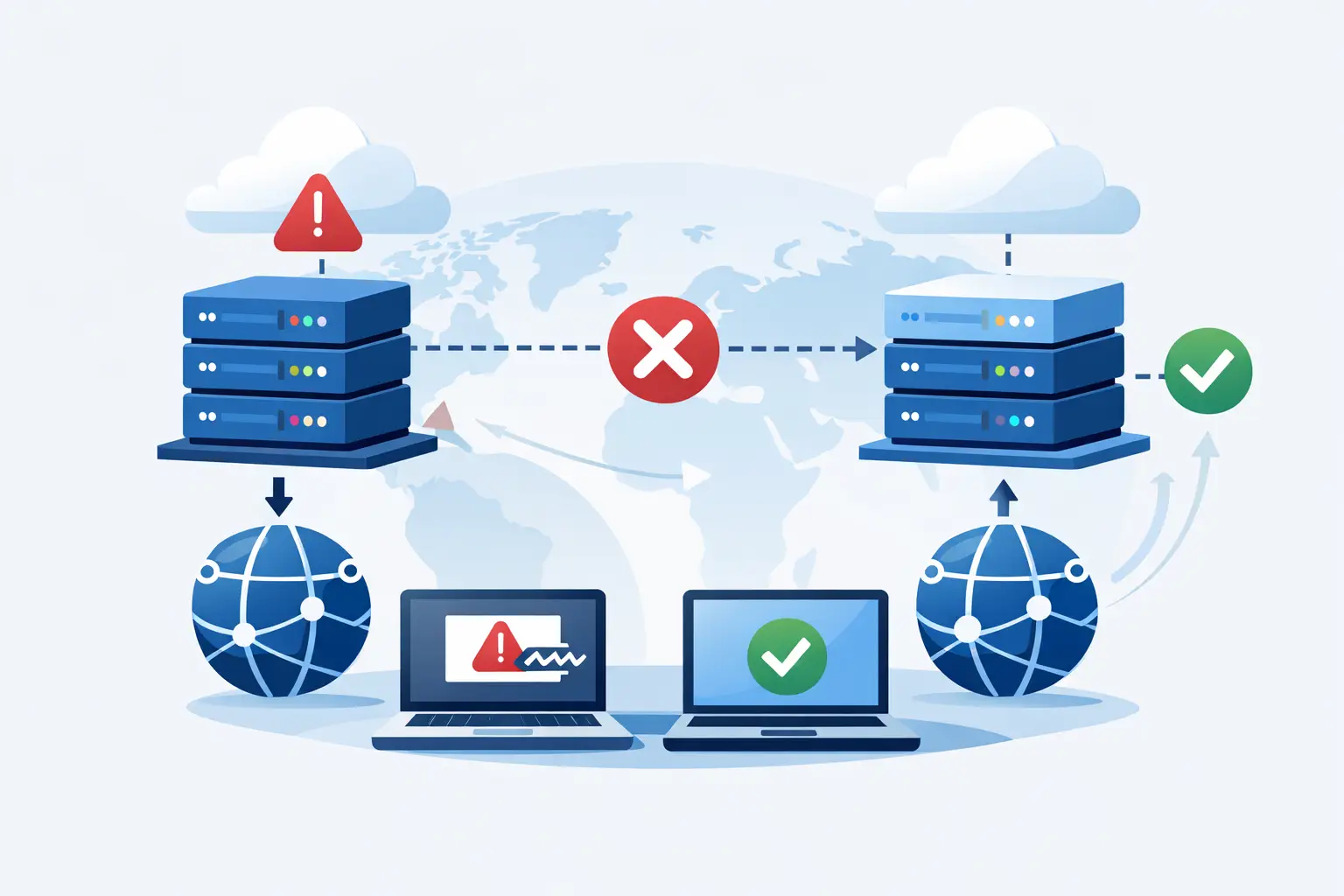
If your primary server goes down at 2:00 a.m., DNS failover decides whether users see your standby environment or an error page. That is why knowing how to configure DNS failover matters for any business running websites, APIs, mail services, or customer-facing applications.
DNS failover is not high availability by itself. It is a control mechanism that updates DNS responses when a monitored endpoint becomes unavailable. Done well, it reduces downtime exposure and gives you a practical recovery layer without the cost and complexity of full active-active infrastructure. Done poorly, it creates false confidence, slow failover, and troubleshooting headaches when you need it most.
What DNS failover actually does
At a basic level, DNS failover watches a target such as a web server, load balancer, or public IP. If the health check fails according to the rules you define, your DNS provider stops answering with the primary record and starts returning a secondary destination instead.
That secondary destination might be a standby VPS in another region, a second load balancer, a cloud application endpoint, or a maintenance environment that can handle limited traffic. The DNS layer does not migrate sessions, replicate databases, or keep applications synchronized. It only changes where new client requests are directed.
This distinction matters. If your application depends on stateful sessions, local file storage, or a single writable database, DNS failover can redirect users to an endpoint that is technically online but functionally incomplete. The failover plan has to match the application architecture.
How to configure DNS failover step by step
The right setup depends on your stack, but the core process is usually the same.
1. Define the service you are protecting
Start with the hostname that users actually rely on. For many businesses this is the main website, API endpoint, or customer portal. Decide whether you need failover for the root domain, a subdomain such as app.example.com, or multiple records.
Be specific about the service objective. Are you trying to keep a brochure site online, preserve checkout availability, maintain API responses, or route users to a degraded but functional backup? Each goal changes what the backup environment needs to do.
2. Prepare a real secondary target
Your backup destination must be reachable, tested, and capable of serving the workload you expect after failover. This can be a warm standby server, a secondary cluster, or a reduced-capacity environment. What matters is that it is not just powered on, but operational.
If the backup server has different SSL certificates, outdated content, missing database access, or blocked firewall rules, failover will only shift the outage. Before touching DNS, verify that the secondary endpoint can serve live traffic from the public internet.
3. Choose the DNS records carefully
Most failover configurations use A, AAAA, or CNAME records. If your provider supports failover policies directly, you usually define a primary record and one or more backup records under a monitored hostname.
Be careful with the root domain. Depending on your DNS provider, zone setup, and use of external services, failover at the apex can be more constrained than on a subdomain. In some cases, routing traffic through www or app gives you cleaner control.
4. Configure health checks that reflect user reality
This is where many setups go wrong. A ping check only tells you that a host responds to ICMP. It does not confirm that your application works. A TCP port check is slightly better, but it still does not validate content, authentication, or backend dependencies.
For web applications, HTTP or HTTPS health checks are usually the right choice. Point the check at a lightweight endpoint that confirms the application is functioning, such as a health URL that tests key dependencies and returns a clear success code. If your app requires the database to be available, the health check should reflect that.
At the same time, avoid checks that are too heavy. A health endpoint that runs expensive database queries on every probe can become its own problem under load.
5. Set failover thresholds and intervals
DNS failover should not trigger on a single failed probe. You want a threshold such as three consecutive failures before the record changes, and several successful checks before failback is allowed. This reduces flapping when there is intermittent packet loss or a short application restart.
Shorter intervals improve detection speed, but they also increase sensitivity and monitoring noise. Longer intervals are calmer but slower. A typical starting point might be checks every 30 seconds with failover after three failures, but the right setting depends on how much instability your environment can tolerate and how quickly the business needs traffic redirected.
6. Lower TTL values, but keep them realistic
TTL controls how long DNS resolvers and clients may cache the answer. Lower TTL values generally support faster failover because clients refresh records more often. If you leave a critical record at a very high TTL, users may continue trying the failed endpoint long after your provider has switched answers.
That said, TTL is not a precise timer. Some resolvers cache aggressively, and some applications hold connections or resolve less often than expected. A TTL of 30 to 60 seconds is often reasonable for critical services, but extremely low values can increase query volume and are not always necessary.
The main point is to align TTL with your recovery expectations. If the business expects failover within a minute, a multi-hour TTL is working against you.
Where DNS failover helps - and where it does not
DNS failover works well when your service is mostly stateless, your backup target is ready, and clients can reconnect cleanly. Marketing sites, customer portals behind replicated application tiers, APIs with multi-site backends, and public endpoints fronted by synchronized infrastructure are good candidates.
It is less effective for workloads with sticky sessions, local-only storage, unreplicated databases, or users who maintain long-lived connections. DNS changes only affect new lookups. Existing sessions may continue to fail until they reconnect and resolve again.
Email adds another layer of complexity. MX failover is possible, but mail delivery behavior depends on sender retry logic and MX priorities, not just rapid record changes. For mail, application-level redundancy and proper mail architecture matter more than quick DNS switching alone.
Common mistakes when you configure DNS failover
The first mistake is treating the standby environment as a parking lot. If it is not patched, tested, and synchronized, it will disappoint you during an incident.
The second is using shallow health checks. A server that returns HTTP 200 for a static page while the application is failing is not healthy in any meaningful sense.
The third is forgetting dependency mapping. Your app may have a healthy web node but a failed database, storage mount, or authentication provider. DNS failover cannot solve missing backend resilience.
The fourth is enabling automatic failback too aggressively. If the primary endpoint recovers briefly and fails again, users bounce between environments. In many cases, manual failback after validation is safer.
The fifth is never testing from outside the network. Internal checks can pass while public access is broken by routing, firewall, certificate, or upstream issues.
Testing your DNS failover before you need it
A failover plan is only credible if you have run it under controlled conditions. Start by testing health checks and confirming they fail when the application is intentionally stopped. Then confirm that DNS answers change as expected from external resolvers.
After that, test the full user path. Load the backup site, verify certificates, log in, submit forms, query the API, and confirm logs and monitoring reflect the transition. If the backup environment is meant to support only essential functions, document those limits clearly.
Run these tests on a schedule, not once. Infrastructure changes over time. Certificates expire, firewall rules shift, and application updates alter behavior. A configuration that worked six months ago may not work now.
A practical architecture choice
For many small and mid-sized businesses, the most sensible design is a primary application environment and a warm standby in a separate facility or region, paired with DNS failover and application-aware health checks. This keeps costs lower than full active-active while still improving resilience in a meaningful way.
If your uptime requirements are stricter, DNS failover should sit alongside database replication, externalized storage, load balancing, and disciplined deployment processes. DNS is one layer in the continuity plan, not the whole plan.
Providers with stable infrastructure, dependable DNS management, and support for business-ready hosting environments can make this much easier to operate. Internetport, for example, serves organizations that need practical uptime measures without overcomplicating the stack.
How to configure DNS failover with the right expectations
The best DNS failover setup is not the fastest one on paper. It is the one that matches your application design, recovery target, and operating habits. If the backup environment is genuinely usable, the health checks are meaningful, and the TTLs are sensible, DNS failover becomes a solid layer of protection instead of a box checked in a dashboard.
When you build it, think less about switching records and more about preserving service. That shift in mindset is what turns failover from a feature into an operational advantage.