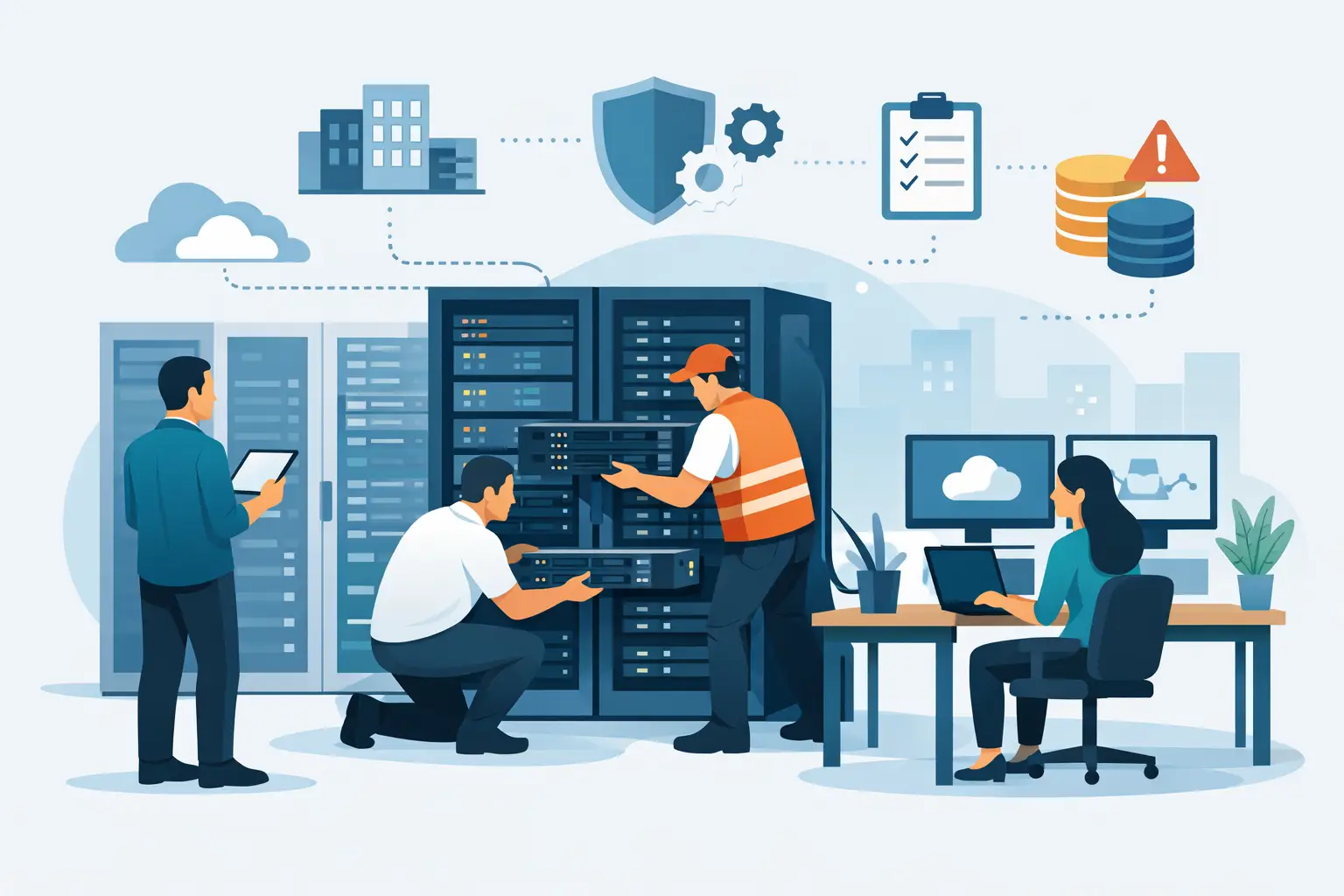
Moving a production server into a data center is not simply a matter of shipping hardware and plugging it in. Knowing how to set up colocation means planning the physical, electrical, network, and operational details that keep that hardware available after it is no longer in your office.
For a small business, agency, or IT team, colocation can provide more control than public cloud infrastructure and more flexibility than renting a standard dedicated server. You retain ownership of the equipment, while the data center provides the space, power, cooling, network connectivity, and physical security required to run it properly. The result can be predictable long-term costs and infrastructure built around your actual workload - provided the deployment is designed before the equipment arrives.
Start With the Workload, Not the Rack
The first decision is whether colocation is the right fit for the services you operate. It is usually a strong option when you have hardware you want to own, need a specific server configuration, run steady workloads, or require private infrastructure that cannot easily move to a shared platform.
Typical candidates include database servers, virtualization hosts, storage systems, firewalls, private cloud nodes, media processing systems, and business applications with consistent resource needs. It can also make sense for organizations replacing a small server room where cooling, power redundancy, and internet connectivity have become operational risks.
Colocation is not always the lowest-effort choice. If you need infrastructure quickly, expect frequent hardware changes, or lack staff who can manage operating systems and applications, a managed dedicated server or VPS may be more practical. The right model depends on how much control your team needs and how much responsibility it is prepared to retain.
Before choosing a cabinet or provider, document the expected requirements: server dimensions, rack units, power draw, power connector types, network port speeds, IP address needs, bandwidth profile, storage growth, and recovery requirements. A short but accurate inventory prevents expensive last-minute changes.
How to Set Up Colocation: Plan the Physical Deployment
Your first physical requirement is rack space. Servers and network appliances are measured in rack units, or U. A 1U server occupies one rack unit, while larger storage chassis, firewalls, and cable-management hardware may use several. Do not calculate space only for the equipment you own today. Leave reasonable room for expansion, replacement hardware, cable routing, and airflow.
A quarter rack or half rack may suit a compact deployment, while a full cabinet is often a better choice for growing environments or systems with several servers, switches, and storage devices. If you operate only one or two servers, confirm whether shared rack space meets your access, security, and cabling requirements.
Hardware depth matters as much as rack height. Many enterprise servers are deeper than standard network appliances, and some storage platforms need additional clearance for power and network cabling. Confirm the usable cabinet depth, rail compatibility, and weight limits before shipping equipment.
Prepare each device with rails, correctly labeled power supplies, and clearly marked network ports. Label both ends of every cable. This sounds basic, but it reduces remote-hands time and makes future troubleshooting faster when a technician is working from cabinet photos or written instructions.
Design Power for Normal Operation and Failure Conditions
Power design is where many colocation deployments become unnecessarily fragile. A server with two power supply units should normally connect to separate power distribution units, often called PDUs. Those PDUs should be backed by separate power paths where the facility and service plan support it.
Redundant power supplies only help if they are connected redundantly. Plugging both into the same PDU creates a single point of failure at the cabinet level.
Measure actual consumption rather than relying only on the power supply rating printed on the server. A system with dual 1,200-watt power supplies does not necessarily draw 2,400 watts. Use manufacturer estimates, hardware monitoring data, or a metered power device to understand typical and peak usage. Then allow headroom for boot-up demand and future expansion.
Your power commitment should also match the application’s tolerance for downtime. A development host may be fine with a single feed, while a production virtualization cluster, storage system, or customer-facing application usually justifies redundant power paths. Discuss available power options, circuit sizes, and metering with the provider before deployment.
Define Network Connectivity and Remote Access
A colocation server needs more than an internet port. It needs a network design that supports normal traffic, administration, monitoring, and incident response.
Start by deciding how the server will connect. A single uplink may be appropriate for a noncritical workload, but systems requiring higher availability may use redundant network interfaces connected to separate switches or paths. The provider should clarify the handoff type, port speed, media requirements, VLAN options, routing model, bandwidth limits, and available IP address allocations.
For public-facing services, determine whether the server will use provider-assigned IP addresses, your own portable address space, or a combination of both. Plan DNS, firewall rules, reverse DNS requirements, and any BGP configuration early if you operate your own network or need multi-homed connectivity.
Do not overlook out-of-band access. A dedicated management interface such as iDRAC, iLO, or IPMI allows your team to reach the server console when the operating system or primary network configuration fails. This interface should sit on a protected management network, with restricted access, strong authentication, and a documented recovery process.
For many deployments, a separate management switch and logically isolated management VLAN are worth the additional effort. Production traffic and administrative access should not share more exposure than necessary.
Build Security Into the Deployment Plan
A data center improves physical security, but it does not remove your responsibility for securing the equipment and software. Choose a facility with controlled entry, monitored access, environmental controls, and documented operational procedures. Organizations handling payment data, sensitive customer information, or regulated workloads may also need facilities with relevant certifications, such as PCI DSS compliance.
At the server level, apply baseline hardening before the hardware goes live. Update firmware where appropriate, install supported operating systems, disable unused services, enforce key-based or multi-factor administrative access, and configure host-based firewall rules. Keep management interfaces off the public internet whenever possible.
Backups need separate attention. A RAID array can protect against a drive failure, but it is not a backup strategy. Maintain encrypted, tested backups outside the primary server and preferably outside the primary facility. Object storage, a separate backup server, or another geographic location can provide the needed separation.
Write down who can request remote hands, who can access the cabinet, who holds credentials, and who has authority to approve emergency work. Colocation incidents become harder when access decisions depend on memory rather than an established process.
Coordinate Shipping, Installation, and Remote Hands
Confirm the receiving process before sending hardware. The data center may require advance notice, package labels, a delivery window, and a named contact. Include asset tags and a packing list, especially when sending multiple devices, rails, drives, optics, and cables.
If your team will install the equipment, schedule access and bring everything needed to mount, cable, and test it. If remote hands will perform the installation, provide instructions that are specific enough to follow without interpretation. Include the rack position, device order, rail orientation, port assignments, cable types, PDU outlets, and startup sequence.
Remote hands are valuable for reboots, cable checks, drive replacements, and visual inspection. They are not a substitute for a complete runbook. Clear documentation keeps routine work routine and prevents billable troubleshooting caused by missing labels or uncertain instructions.
Test Before You Depend on the Environment
A server is not ready because it responds to a ping. Test the conditions that matter when something fails.
Verify that every production service is reachable as intended, but also test console access, monitoring alerts, backup restoration, firewall rules, DNS resolution, and alert escalation. Confirm that a network interface failure does not take down a redundant design, and verify that each power supply is connected to the planned feed.
Run a controlled reboot and ensure systems return in the correct order. This is particularly important for virtualization hosts, storage systems, and applications that depend on databases or shared services. Review temperature readings, power usage, disk health, and network error counters after the first days of operation.
Document the final installation as it exists, not as it was originally planned. Record serial numbers, rack positions, IP addresses, VLANs, switch ports, PDU outlets, support contacts, and renewal dates. Accurate records are one of the least expensive forms of uptime protection.
A well-designed colocation deployment should make your infrastructure easier to operate, not merely move its problems to another building. Choose the space, power, connectivity, and support level that fit your workload now, then leave enough capacity to handle the change you already know is coming.