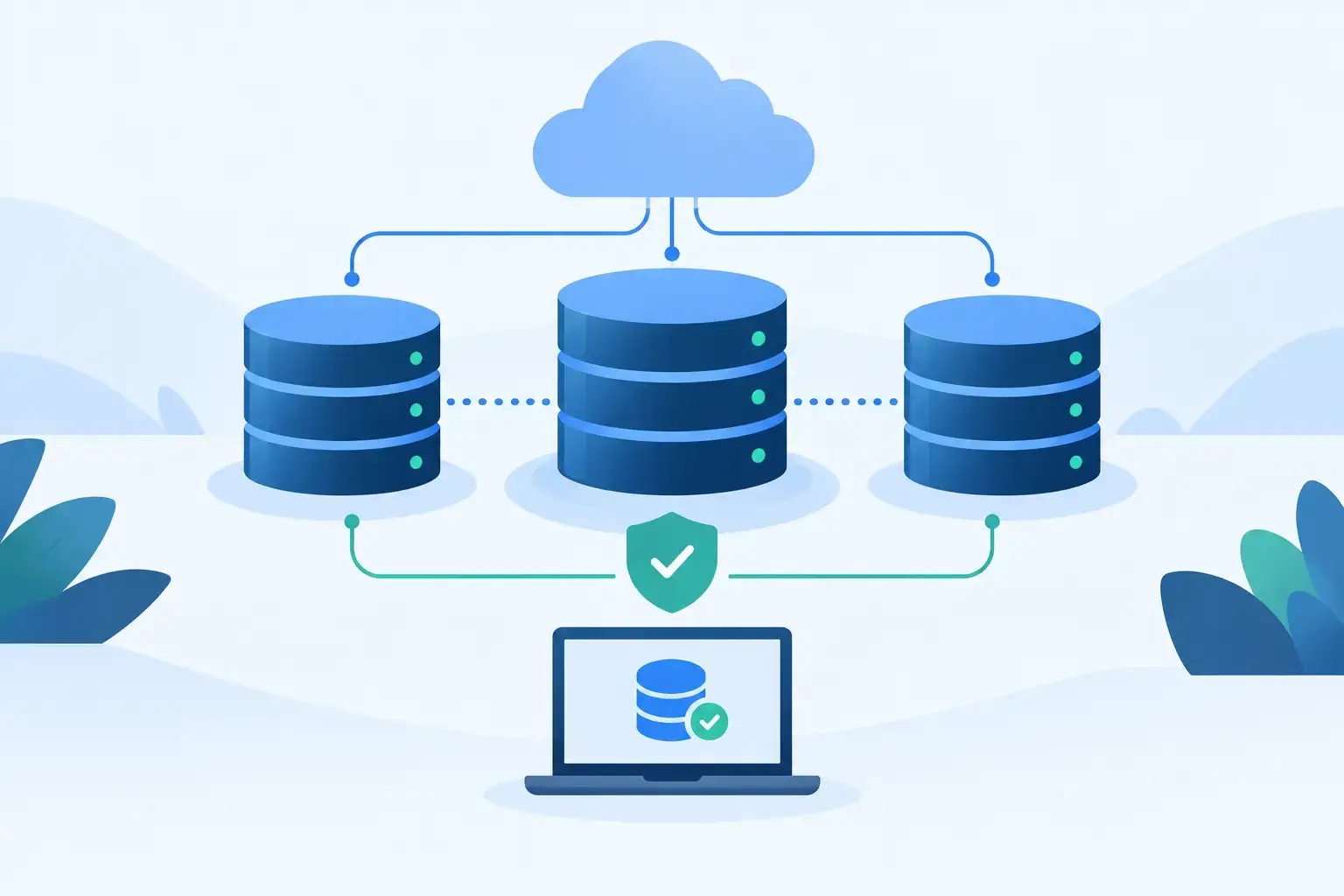
A database outage is rarely just a database problem. It can stop orders, interrupt customer logins, delay internal work, and leave teams guessing whether data was lost. To deploy high availability databases effectively, plan for the full failure path: the database engine, storage layer, network, DNS or application routing, and the operational process that decides when to fail over.
High availability, or HA, is not a single product feature. It is an architecture designed to keep a service available when a server, disk, network path, or maintenance window fails. The right design depends on your recovery objectives, write volume, budget, and the expertise available to operate it.
Start With Recovery Objectives, Not Server Count
Before choosing PostgreSQL streaming replication, MySQL Group Replication, MariaDB Galera Cluster, or another technology, define two numbers: recovery time objective (RTO) and recovery point objective (RPO).
RTO is how long the application can be unavailable. An e-commerce checkout service may need recovery in minutes or less. A reporting database used once daily may tolerate a longer interruption. RPO defines how much data you can afford to lose. If an organization requires near-zero data loss, it needs synchronous replication or a comparable commit-confirmation design. That requirement has a cost in write latency and infrastructure complexity.
These objectives prevent a common mistake: paying for a multi-node cluster when a well-managed primary-replica setup and tested restore procedure would meet the business need. They also expose the opposite mistake: treating nightly backups as an availability plan for a database that supports live customer transactions.
Backups remain essential, but they solve a different problem. Replication can quickly reproduce a bad delete, corrupted record, or accidental schema change. Point-in-time recovery and independently stored backups are the controls that let you recover from logical failures.
Choose a Database Topology That Fits the Workload
Most small and mid-sized production environments begin with one primary database server and at least one replica. The primary accepts writes, while the replica continuously receives changes and can serve read traffic where the application supports it. If the primary fails, the replica is promoted and application traffic is redirected.
This arrangement is straightforward, cost-conscious, and suitable for many web applications. Its weakness is that failover must be orchestrated correctly. A replica may lag behind, and manual promotion can extend downtime if the team has not practiced it.
Synchronous replication improves data protection by requiring a replica to acknowledge a write before the primary reports success. It reduces the risk of losing committed transactions, but geographic distance and slow storage can increase response times. It is usually best when nodes are close enough to maintain predictable low-latency connectivity.
Multi-primary or quorum-based clusters can provide automated membership and failover behavior, but they are not automatically simpler. They introduce concerns around quorum, split-brain prevention, write conflicts, and node recovery. For write-heavy applications, test the cluster under realistic concurrency before committing to the architecture.
A practical baseline is three fault domains: a primary, a replica, and a third voting or witness component where the database technology requires it. The third member does not always need to carry the full production workload, but it must be reliable enough to help the cluster distinguish a failed node from a temporary network partition.
Design the Infrastructure Around Failure Domains
HA only works when replicas do not share the same point of failure. Two database virtual machines on the same physical host can protect against an operating system issue, but not a host failure. Two dedicated servers in the same rack may survive a local disk failure but not every power or network event.
Place database nodes across independent hosts and, where possible, separate racks, power paths, and network equipment. For higher requirements, use separate data center locations. The trade-off is replication latency. A local replica can support synchronous commits more easily; a remote replica provides better site-level resilience but is often better suited to asynchronous replication and disaster recovery.
Storage deserves the same scrutiny as compute. Database workloads depend on consistent low-latency I/O, especially during checkpoints, index maintenance, and write bursts. Use storage with known performance characteristics, monitor latency rather than capacity alone, and leave enough free space for binary logs, write-ahead logs, snapshots, and recovery operations.
A VPS can be a sensible choice for modest workloads when resource allocation, disk performance, and host separation are clear. Dedicated servers offer more predictable CPU, memory, and storage behavior for larger databases or sustained I/O. Organizations with specific hardware, security, or network requirements may prefer colocation with direct control over their server design. Internetport can support these different deployment models from VPS environments through dedicated infrastructure and colocation capacity.
Build Failover Into the Application Path
A healthy replica is not enough if the application still points to a failed primary. Your deployment needs a stable connection endpoint that can route clients to the current writer. Depending on the platform, that may be a database-aware proxy, a virtual IP address, a load balancer, or application-level connection logic.
The routing layer must understand the difference between a server that responds to a network ping and a database that can safely accept writes. Health checks should verify database readiness, replication role, and, where relevant, cluster quorum. A node with a running process but a stalled storage subsystem is not healthy enough to receive production traffic.
Avoid hard-coding a database server address throughout application configuration. Use a single hostname or endpoint for writes, with a controlled mechanism for switching it during failover. Set sensible connection timeouts and retry behavior, too. Without them, applications may hold broken connections for longer than the database recovery itself.
Read replicas can reduce pressure on the primary, but only route read queries that can tolerate replica lag. Account pages, order confirmation screens, and other immediately consistent workflows should generally continue to read from the writer after a transaction completes.
Deploy High Availability Databases With Operational Discipline
The technology is only half of the deployment. Create repeatable provisioning for every node, whether through infrastructure-as-code tools, configuration management, or carefully versioned runbooks. Identical database settings, operating system tuning, firewall rules, monitoring agents, and time synchronization reduce surprises during recovery.
For a primary-replica deployment, the practical sequence is simple: provision independent nodes, secure database access, initialize replication, take a verified backup, configure the routing endpoint, and validate promotion. For a cluster, add quorum and membership validation before allowing production writes.
Security should be part of the initial build rather than a later hardening project. Restrict database ports to application servers and approved administration networks. Encrypt connections where traffic crosses untrusted networks, use separate service accounts, rotate credentials, and ensure backups are encrypted and access-controlled. An HA system that remains online but exposes customer data has still failed a critical business requirement.
Monitor the Signals That Predict an Outage
Monitoring should alert on conditions that lead to failure, not only on a completed outage. Track replication lag, replication errors, database connection saturation, query latency, lock waits, disk latency, free storage, memory pressure, CPU steal time in virtualized environments, and network packet loss.
Set alerts with escalation paths that match the service. A few seconds of replica lag may be normal during a reporting burst. Persistent lag combined with rapidly growing write-ahead logs needs attention before the replica becomes unusable for failover. Likewise, a disk at 85 percent utilization may be acceptable in one environment and a serious risk in another if database logs can expand rapidly.
Keep logs and metrics long enough to identify trends. Capacity problems often appear weeks before an incident, through steadily growing tables, slower backups, rising I/O wait, or replication that takes longer to catch up after routine maintenance.
Test Failure Before Production Tests You
A failover plan that has not been tested is documentation, not protection. Schedule controlled exercises that simulate a primary database loss, a replica loss, a network partition, and a failed restore. Record the actual recovery time and compare it with the RTO promised to the business.
Test the full path, including application reconnection, proxy behavior, DNS caching, monitoring alerts, and post-failover replication repair. After promotion, the former primary must not return and accept writes independently. This split-brain scenario can create two conflicting versions of the same data and turn a brief outage into a difficult recovery project.
Also test restoration from backups to a clean environment. Confirm that the backup is complete, the encryption keys are available, the restoration procedure is documented, and the recovered data is usable by the application. A backup job marked successful is not proof of recoverability.
The best HA design is the one your team can operate under pressure. Start with a topology that meets real RTO and RPO requirements, isolate its failure domains, and practice the recovery path until it is routine.