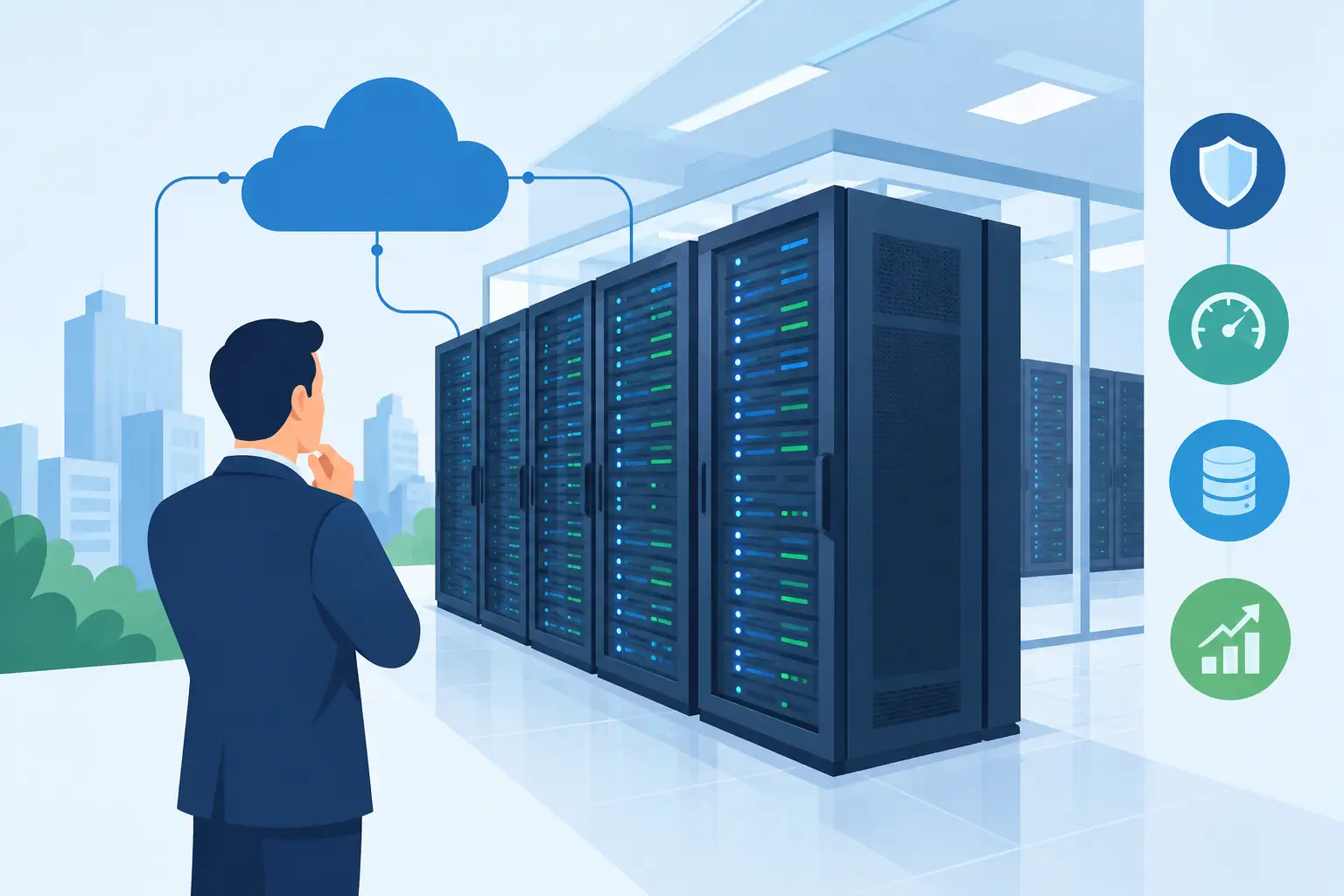
A server in an office closet may work until it becomes the system your team cannot afford to lose. Once applications, databases, customer portals, or internal services depend on that hardware, the real question becomes: why use colocation for business rather than continue managing power, cooling, connectivity, and physical security yourself?
Colocation puts your company-owned servers in a professional data center. You retain control of the hardware and operating environment, while the facility provides the infrastructure around it: redundant power, cooling, network access, physical security, and monitored operations. It is a practical option for businesses that need more control than a shared cloud platform offers but do not want the cost and operational burden of running a private server room.
Why Use Colocation for Business Operations?
The strongest case for colocation is not simply that a data center is more sophisticated than an office. It is that the supporting systems around your hardware become part of a purpose-built environment.
A business server depends on more than CPU, memory, and storage. It also depends on stable electrical power, battery backup, generator capacity, cooling that remains consistent under load, protected network routes, and people who can respond when something physical fails. Building and maintaining those layers internally is expensive, particularly when they need to work during a power outage, equipment failure, or facility emergency.
With colocation, the business owns the server strategy while outsourcing the building-level infrastructure. That division of responsibility is useful when you need specific hardware, licensing, security policies, or application configurations that do not fit neatly into a public cloud service.
For many organizations, the result is a clearer operating model. Your IT team focuses on workloads, patches, backups, access controls, and performance. The data center focuses on power, cooling, physical protection, and network availability.
Better Uptime Starts With the Physical Environment
Downtime caused by a failed switch, a tripped circuit, overheating, or an ISP outage can be costly even for a small business. It interrupts employees, affects customer trust, and can stop revenue-generating systems without warning.
A professional colocation facility is designed to reduce those single points of failure. Redundant power feeds, UPS systems, backup generators, environmental monitoring, and controlled cooling are standard considerations in a serious data center environment. Network connectivity can also be built with multiple carriers or diverse routes, rather than relying on one office internet connection.
This does not mean colocation guarantees that every application will remain available. A failed operating system update, an untested database change, or a single-server hardware fault can still cause an outage. High availability remains an architecture decision. If an application requires near-continuous service, it may need redundant servers, replicated storage, load balancing, and a tested recovery plan.
Colocation gives those designs a more dependable foundation. It does not replace operational discipline, but it makes that discipline easier to apply.
Keep Hardware Control Without Operating a Data Center
Cloud infrastructure is an effective choice for many workloads, especially when demand changes rapidly or a team needs services deployed quickly. But cloud is not always the best fit for fixed, predictable, or hardware-specific workloads.
Colocation is often worth considering when a business needs to run its own firewall appliances, storage systems, database servers, virtualization hosts, or licensed enterprise software. It can also suit organizations that require custom CPU, RAM, storage, or networking configurations that would be expensive or unavailable in a virtualized environment.
Because the hardware belongs to the customer, teams have direct control over the operating system, hypervisor, BIOS settings, disk layout, and security tooling. This is particularly valuable for IT administrators supporting legacy applications, private internal platforms, or workloads with strict performance requirements.
That control comes with responsibility. Your organization must still manage replacement parts, operating system maintenance, monitoring, backups, and hardware lifecycle planning. Remote hands services can help with tasks such as rebooting equipment, replacing a drive, or checking cabling, but they are not a substitute for a defined support process.
Security Is More Than a Locked Server Room
Physical security is easy to overlook until server hardware is stored in an accessible office, warehouse, or shared telecom closet. A stolen server, accidental unplugging, water leak, or unauthorized visitor can create both operational and compliance problems.
Colocation facilities commonly use layered controls such as access logging, surveillance, restricted areas, locked cabinets or cages, and on-site monitoring. For organizations handling payment data, customer information, or sensitive internal records, placing infrastructure in a certified facility can support broader security and compliance efforts.
However, colocation does not automatically make an environment compliant. The facility may meet standards such as PCI DSS, but the customer remains responsible for how its own systems are configured and operated. Encryption, identity management, patching, firewall rules, log retention, and backup protection remain customer-side responsibilities.
The practical benefit is a stronger physical baseline. Instead of trying to turn an office into a controlled infrastructure environment, you place critical systems where those controls are already part of daily operations.
Connectivity Can Be a Competitive Advantage
Network quality matters as much as server quality. Slow routes, limited bandwidth, high latency, or a single upstream provider can affect websites, SaaS platforms, remote access, backups, and customer-facing applications.
Colocation can provide better connectivity options than a standard business internet circuit. Depending on the facility, businesses may have access to carrier-neutral connectivity, internet exchanges, private cross-connects, and higher-capacity bandwidth options. This can improve routing flexibility and make it easier to connect infrastructure to cloud platforms, partners, content networks, or secondary sites.
For a digital agency hosting client applications, this may mean more consistent performance and a better path for growth. For an IT team running private services, it can mean dependable remote access without exposing critical workloads to the limitations of an office connection.
Before selecting a colocation provider, ask practical questions about bandwidth commitments, port speeds, IP address allocation, DDoS mitigation options, cross-connect costs, and how network outages are handled. Connectivity should be evaluated as a service component, not treated as an afterthought.
Colocation Can Improve Cost Predictability
Running servers internally often appears inexpensive because the costs are scattered. Power, cooling, UPS replacement, generator maintenance, security systems, networking equipment, rack space, and staff time may sit in different budgets. The true cost becomes obvious only when equipment fails or expansion is required.
Colocation consolidates much of that facility overhead into a recurring service cost. This can make budgeting easier, especially for workloads that have stable resource requirements over several years. A business can invest in the server hardware it needs and place it in an environment sized for its current footprint, then add rack units, power capacity, or additional servers as demand grows.
The economics depend on the workload. A cloud platform may be more cost-effective for short-term projects, highly variable demand, or services that benefit from managed cloud features. Colocation often makes more sense when utilization is consistent, hardware is customized, or the business plans to operate the equipment over a longer lifecycle.
Avoid comparing only the monthly rack price with a cloud instance price. Include hardware depreciation, software licensing, bandwidth, backup storage, support, replacement components, internal labor, and the cost of an outage.
When Colocation Is Not the Right Choice
Colocation is not automatically the best answer for every business. If your team does not want to manage physical servers, a managed dedicated server or cloud service may be simpler. If the workload is small, a VPS can provide sufficient performance at a lower entry cost. If an application needs rapid geographic expansion, public cloud services may offer faster deployment across regions.
Colocation also requires planning. Hardware must be purchased, installed, documented, and eventually replaced. A business should know who has administrative access, how failures are handled after hours, where backups are stored, and how systems will be recovered if an entire server becomes unavailable.
For organizations ready to own that responsibility, the trade-off can be worthwhile. Internetport's colocation services, for example, place customer equipment in PCI DSS-certified data center environments while allowing businesses to retain control of their own infrastructure.
Plan for More Than Rack Space
The right colocation deployment starts with a capacity and resilience review. Measure the current power draw, rack space, heat output, bandwidth use, storage growth, and recovery requirements. Then decide whether the system needs one server, a redundant pair, separate backup infrastructure, or connectivity to cloud resources.
It is equally important to document the operational details before equipment is installed. Label cabling, record serial numbers, define remote hands authorization, maintain current network diagrams, and test restores from backup. These small practices reduce confusion when time matters most.
Colocation works best when it supports a deliberate infrastructure plan: own the hardware where ownership creates value, place it in a facility built to protect it, and design the surrounding systems so a single fault does not become a business interruption.