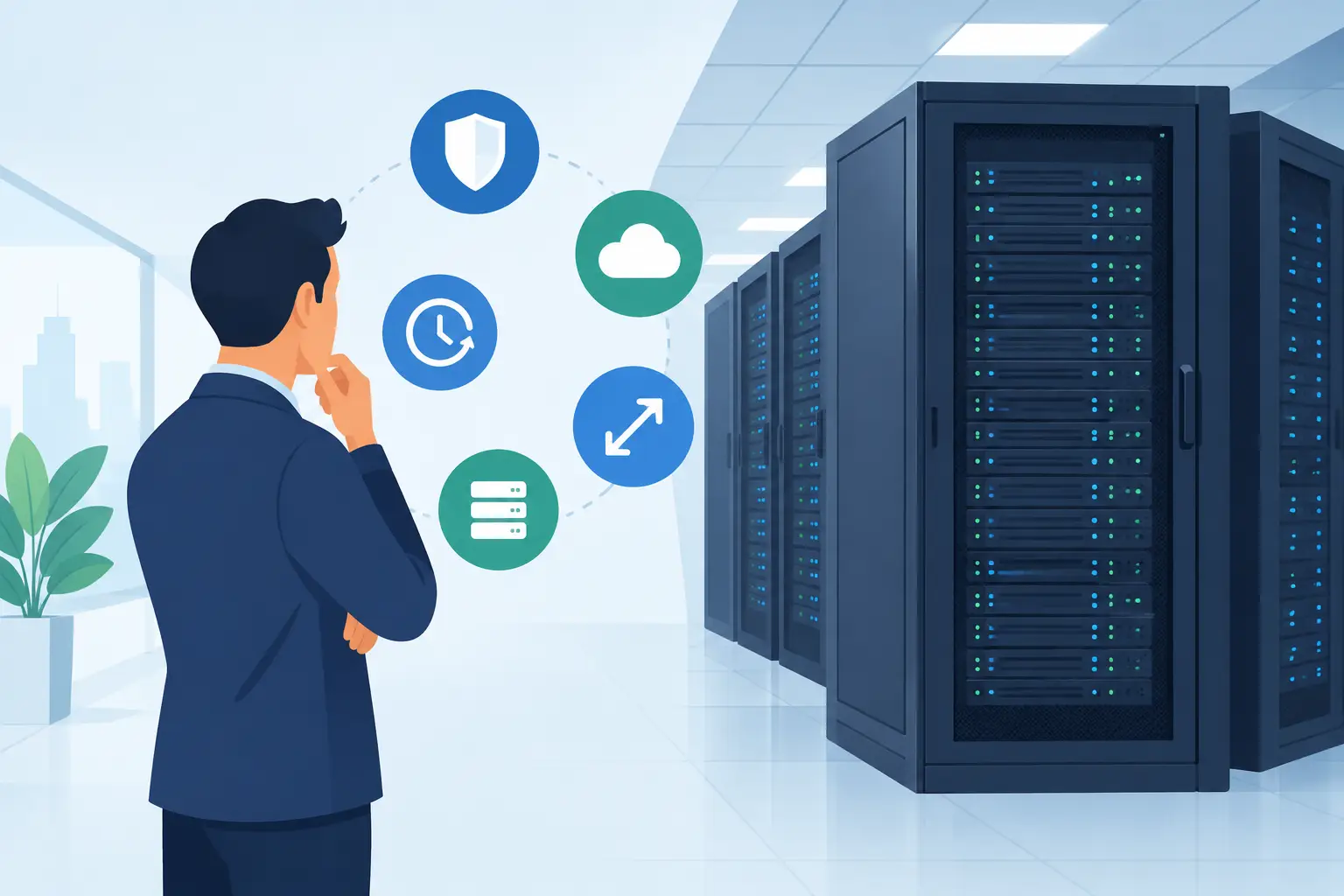
A server can be perfectly capable and still be in the wrong place. Once a business depends on its own hardware for customer-facing applications, databases, storage, or private services, keeping that equipment in an office often creates avoidable risk. Rack colocation places your servers in a purpose-built data center while you retain ownership and control of the hardware.
That distinction matters. You are not renting a virtual machine or handing every infrastructure decision to a hosting provider. You are using professional power, cooling, network connectivity, physical security, and operational support for equipment you have selected yourself. For businesses that need more control than a cloud instance provides but do not want to build and operate a server room, colocation can be a practical middle ground.
What rack colocation includes
A rack colocation service provides a defined amount of physical space in a data center. This might be a few rack units for one or two servers, a partial rack, or a full cabinet for a growing deployment. Your equipment is mounted in that space and connected to the facility's power and network services.
The value is not simply a place to store a server. A suitable data center is designed to keep critical systems running through conditions that would quickly disrupt an office environment. That typically includes redundant power paths, UPS systems, backup generation, controlled cooling, monitored access, fire protection, and multiple network options.
Connectivity is equally important. A colocated server can use dedicated bandwidth, public IP addresses, private network segments, and cross-connects to other services in the same facility. Depending on the design, your hardware can also connect to a VPS environment, object storage, dedicated servers, or an internet exchange. This makes colocation useful for hybrid infrastructure rather than a standalone island.
Why businesses move servers out of the office
An office server room is rarely built to data center standards. A short power interruption, an air-conditioning failure, a construction accident, or a local internet outage can take essential systems offline. Even when hardware survives, the time required to investigate the issue and restore services can be costly.
Rack colocation shifts those facility-level responsibilities to specialists. Your team still manages operating systems, applications, backups, and hardware choices unless you arrange additional support. The data center manages the environment around the server: stable power, climate control, physical access procedures, and core network infrastructure.
This model is particularly useful when an organization has software or licensing tied to specific hardware. It also suits workloads that need local storage performance, dedicated CPU and memory resources, custom network appliances, or compliance controls that are difficult to implement in a small office.
Colocation is not automatically the lowest-cost option for every workload. A small website or a short-lived development project may be better served by shared hosting or a VPS. The case for colocation becomes stronger when you already own suitable equipment, require predictable long-term performance, or need infrastructure that cannot be easily moved into a standard public cloud configuration.
How to size a rack colocation deployment
Start with the physical requirements. Rack space is measured in units, commonly written as U. A 1U server occupies one rack unit, while storage systems, network switches, and larger servers can use more. Measure current equipment, but leave room for cable management, power distribution, and reasonable expansion.
Power planning deserves the same attention. A server's power supply rating is not its normal draw, but it indicates the upper limit your deployment may approach. Review actual consumption under load and plan for peak use, not just idle readings. High-density compute, GPU systems, and storage-heavy equipment can require more power and cooling than a basic rack allocation includes.
Network requirements should be defined before the equipment is shipped. Consider expected monthly transfer, required port speed, IP address needs, inbound versus outbound traffic patterns, and whether you need private connectivity to other systems. If your application serves customers across regions, latency to users and upstream network quality matter as much as raw bandwidth.
Finally, consider growth. Moving from a few rack units to a larger footprint is manageable, but emergency expansion is rarely ideal. A deployment with a clear 12- to 24-month capacity plan is easier to operate and budget.
Rack colocation versus dedicated servers and cloud
Dedicated servers and rack colocation solve different problems. With a dedicated server, the provider owns the hardware and handles replacement when a component fails. This reduces capital expense and simplifies procurement. It is often the fastest route to a high-performance server with known specifications.
With colocation, you own the hardware and can select the exact platform, storage layout, RAID controller, network cards, or security appliance you require. You can keep using existing investments and avoid being limited to a provider's server catalog. The trade-off is that hardware lifecycle management remains your responsibility. If a drive fails at 2 a.m., you need either a support arrangement or a documented plan for replacement.
Cloud infrastructure offers fast provisioning and flexible scaling, especially for variable workloads. However, ongoing costs can rise for consistently busy applications, high storage volumes, or workloads with sustained network transfer. It can also be harder to reproduce specialized hardware configurations in cloud environments.
Many businesses use a mixed approach. Core database or private application servers may run in a colocated rack, while VPS instances handle web tiers, testing, monitoring, or temporary capacity. Backups can be replicated to object storage, and separate infrastructure can provide recovery options. The right design depends on operational needs, not on treating one platform as the answer to every workload.
Security and access considerations
Colocation requires a clear division between facility security and server security. A professional data center should control who can enter the building and the equipment area, record access, and maintain environmental monitoring. For organizations with regulatory requirements, certified facilities and documented procedures can be a significant factor in vendor selection.
Your team remains responsible for the hardware and the services running on it. Use current firmware, encrypted management access, strong authentication, segmented networks, and tested backups. A locked cabinet does not protect an exposed management interface or an unpatched operating system.
Remote hands support is also worth discussing before it is urgently needed. This service can cover straightforward physical tasks such as checking indicator lights, reseating a cable, restarting a server, or replacing a component that you have supplied. Define authorized contacts, response expectations, and the level of work the provider can perform. Good documentation prevents delays when the person who installed a server is not available.
Questions to ask before choosing a provider
The best colocation provider is not necessarily the one with the lowest rack price. A low monthly rate can look different once power allocation, bandwidth, IP addresses, cross-connects, installation work, and remote hands are included. Ask for a clear breakdown of recurring and one-time costs.
You should also understand the facility's power design, cooling capacity, network redundancy, maintenance practices, and support availability. Ask what happens during a power event, how planned maintenance is communicated, and how quickly on-site assistance can be requested. If uptime is central to your business, the answers should be specific rather than promotional.
Location matters, but it is not only about distance from your office. A nearby facility can make hardware access easier. A location with strong carrier connectivity may be more valuable for applications that need low latency or diverse network routes. International businesses may also need to consider where data is stored and how the location aligns with customer and compliance requirements.
Internetport's data center services are built for organizations that need direct infrastructure access without taking on the cost and complexity of operating a facility themselves. The practical goal is straightforward: give your hardware a stable, professionally managed home while keeping your architecture under your control.
Before committing, map your applications, power draw, network dependencies, replacement process, and recovery plan. A well-planned rack colocation deployment does more than move servers to another building. It gives critical infrastructure the operating conditions it needs to support the business behind it.