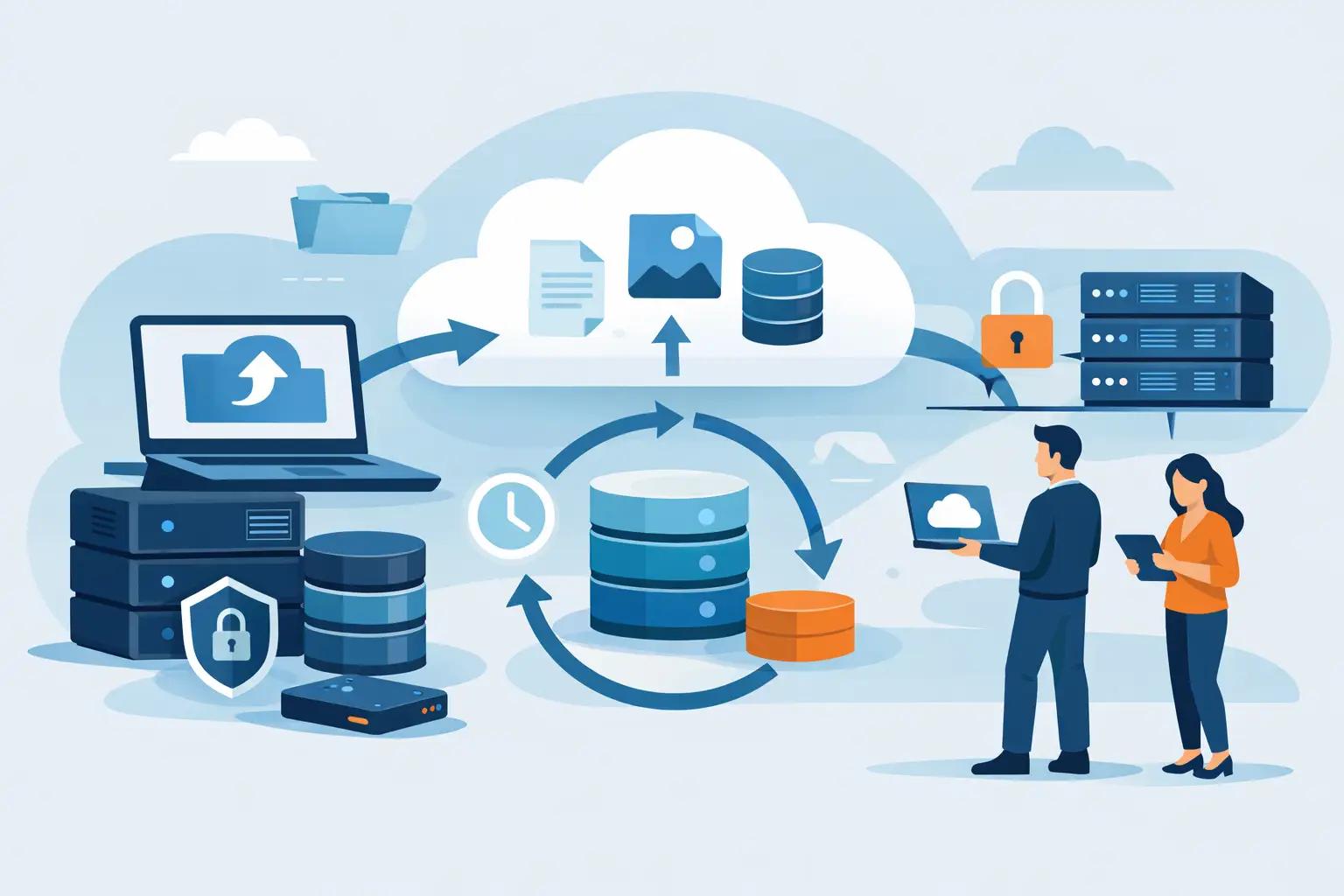
Backups usually look fine right up until the first restore request. That is why any object storage backup guide worth following needs to focus less on where data sits and more on how quickly, safely, and completely you can get it back when something breaks.
For small and mid-sized businesses, developers, and IT teams, object storage is attractive for good reasons. It scales well, handles large data sets efficiently, and often costs less than block storage for long-term retention. But storing data in buckets is not the same as having a usable backup strategy. If your retention is too short, your permissions are too broad, or your restore process has never been tested, low-cost storage can become expensive downtime.
What object storage is good at
Object storage works best when you need durability, capacity, and straightforward access over an API. It is a strong fit for backups of website assets, database dumps, media libraries, VM exports, application archives, logs, and long-term snapshots. Because it is built around objects and metadata rather than a traditional file system, it handles scale differently from NAS or SAN platforms.
That difference matters for backup design. Object storage is not usually the place to run your live database or low-latency application workloads. It is the place to keep backup copies, archive data, and replicated exports that need to remain available and cost-effective over time. If you treat it like primary production storage, your expectations around performance and access patterns may be wrong from the start.
Object storage backup guide: start with recovery goals
Before choosing tools or policies, define what recovery actually needs to look like. Most backup problems are planning problems. Teams say they need backups, but they do not define acceptable data loss or recovery time.
Start with two numbers: how much data you can afford to lose, and how long you can afford to be down. Those are your recovery point objective and recovery time objective. A customer portal with hourly updates has different requirements from a static marketing site. An internal file archive can tolerate slower restores than an e-commerce database.
These targets shape everything else. If you need near-current recovery, a nightly export to object storage may not be enough. If you need very fast recovery, object storage might hold the backup copy, but the first restore target may need to be local disk, block storage, or a standby environment.
What to back up and what to leave out
Not every byte deserves the same treatment. Good backup design starts with classification.
Separate data into groups such as critical application data, configuration and infrastructure state, user-generated content, and historical archives. For example, database dumps and application configs are usually high priority because they are small but operationally essential. Media files may be larger and easier to regenerate from another source, depending on the workload. Temporary caches, package mirrors, and disposable build artifacts often do not belong in backup sets at all.
This is where costs stay under control. Object storage is economical, but backup volume still grows fast. If your policy backs up everything forever, you are not being careful. You are just delaying cleanup.
Choose a backup pattern that matches the workload
The best object storage backup guide is not one-size-fits-all because workloads vary.
For websites and business applications, a common pattern is scheduled database dumps plus file-level backups to an S3-compatible bucket. This is simple, portable, and easy to automate. For virtual machines or larger systems, image-based backups or periodic snapshots exported to object storage may make more sense. For development teams, backup jobs tied to CI/CD pipelines can capture release artifacts and configuration states alongside application data.
There are trade-offs. File-level backups are flexible and compact, but restores can take longer if systems must be rebuilt piece by piece. Image-based backups are faster to recover from, but they consume more storage and can be less granular. For many SMBs, a mixed approach works best: image-based backups for critical systems and file or database backups for content and application layers.
Retention is where strategy becomes real
Retention policy is not just a compliance checkbox. It is the difference between recovering from a bad deployment and discovering that your last clean backup aged out three days ago.
A practical retention model often includes short-term, medium-term, and long-term copies. You might keep daily backups for a few weeks, weekly backups for a few months, and monthly backups for a year or longer. That gives you coverage for accidental deletion, corruption that goes unnoticed for a while, and audit or legal requirements.
The right schedule depends on the business. If ransomware or user error is a concern, longer retention and versioning help. If the data changes constantly, more frequent backup intervals may matter more than very long history. The mistake is copying a retention policy from another environment without checking what your systems actually need.
Security controls matter as much as storage durability
Durability protects against hardware failure. It does not protect against bad credentials, accidental deletion, or an attacker using your own API keys.
At minimum, backup buckets should be isolated from everyday application access. Use separate credentials, least-privilege permissions, and service accounts dedicated to backup operations. Encrypt data in transit and at rest. Enable versioning where supported, and consider object lock or immutability features if your threat model includes ransomware or insider risk.
It also helps to separate administrative roles. The team that manages production applications should not necessarily have full authority to alter retention or purge backup data. That kind of separation feels inconvenient until the day it prevents a larger incident.
Object storage backup guide: test restores, not just backup jobs
A backup job that reports success may still produce incomplete, corrupt, or unusable data. The only meaningful proof is a restore test.
Restore testing should be routine, not something saved for annual audits. Pick representative systems and verify that backups can be recovered to a usable state. For a database, that means the dump imports cleanly and the application can read it. For a website, that means configuration, content, and dependencies come back together correctly. For infrastructure, that may mean validating that templates, DNS settings, and deployment scripts are current.
You do not need to restore everything every week, but you do need a schedule. Monthly spot checks are far better than assuming your backup software is always right.
Watch for performance bottlenecks during backup and restore
Object storage scales well, but throughput still depends on network capacity, object size, concurrency, and the design of the backup tool. A slow restore is often blamed on storage when the real issue is an underpowered restore target or a single-threaded process moving millions of tiny objects.
Plan for the practical side. Large full backups may need compression tuning or chunking. Restores may need staging space on fast local storage before data is returned to production systems. If your environment spans multiple regions or providers, egress time and bandwidth costs can also affect recovery planning.
This is one of those it-depends areas. The lowest storage price is not always the lowest total backup cost if restores are frequent, slow, or operationally awkward.
Keep backup management simple enough to maintain
Complicated backup designs tend to fail quietly. If your system depends on custom scripts that only one person understands, it is fragile even if the storage backend is excellent.
Prefer documented jobs, clear naming conventions, alerting for failures, and retention rules that are easy to audit. Store backup policy details where the broader team can review them. That includes what is backed up, how often, where it goes, who can access it, and how it is restored. Simplicity is not the same as basic. It means the system can survive staff changes, busy weeks, and 2 a.m. incidents.
For organizations that want S3-compatible storage without overcomplicating the infrastructure, providers such as Internetport can fit well when the priority is dependable capacity, straightforward administration, and predictable pricing.
Common mistakes to avoid
Most backup failures come from a small set of recurring problems. Teams keep only one copy in one location and call it protected. They skip versioning, so corruption replicates over the only available backup set. They run backups under broad credentials that can also delete the backups. Or they never test restores until a real outage forces the issue.
Another common mistake is ignoring metadata and configuration. Backing up application files but not DNS records, deployment settings, certificates, cron jobs, or infrastructure templates leads to slower, messier recoveries. The data may still exist, but the service does not come back cleanly.
Build for recovery, not just retention
Object storage is a strong backup target because it is durable, scalable, and cost-aware. But the storage layer is only one part of the job. The real standard is whether your business can recover on time, with the right data, under pressure.
If you design around clear recovery targets, sensible retention, isolated access, and regular restore testing, object storage becomes more than a bucket full of files. It becomes an operational safety net you can trust when the easy day turns into the expensive one.