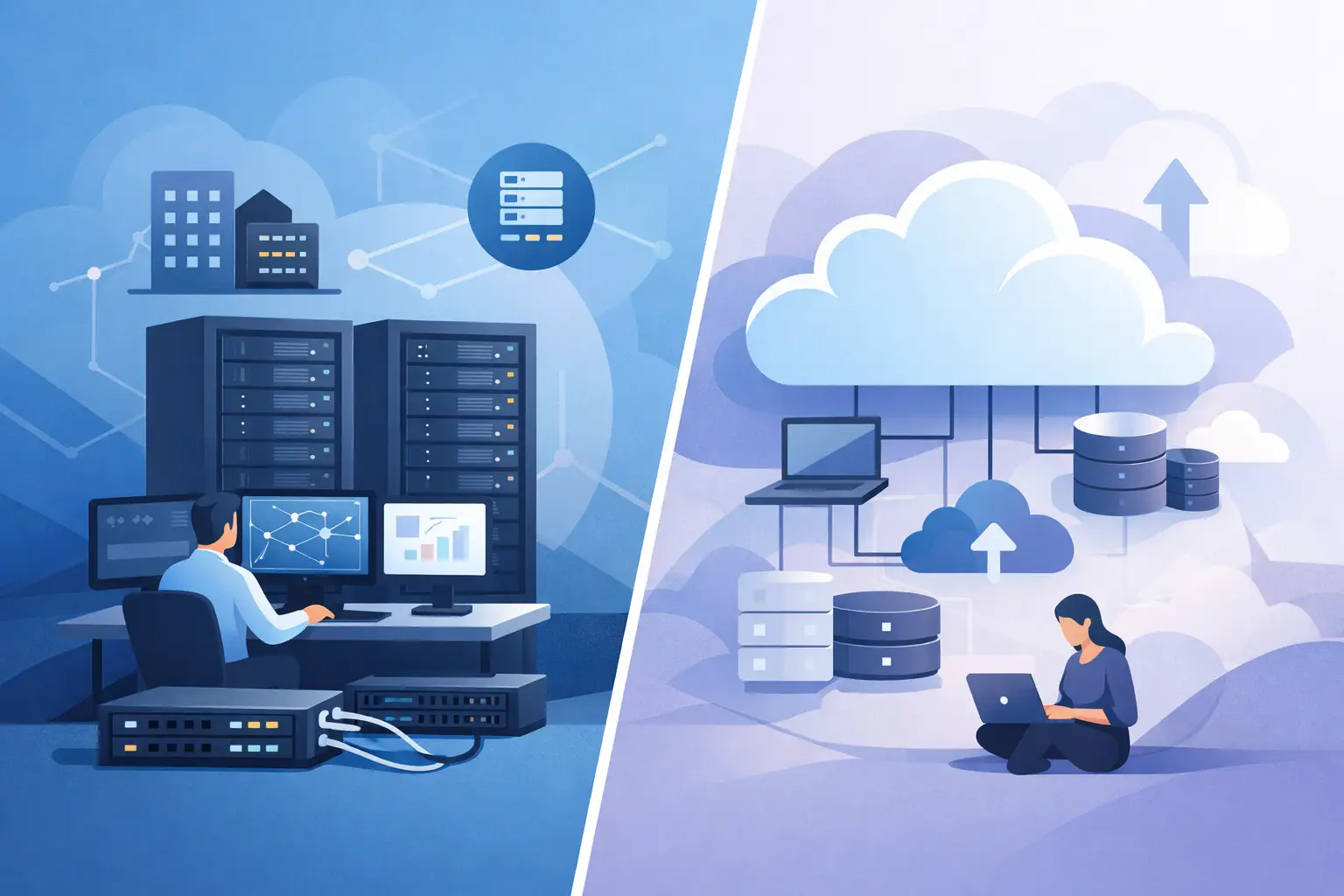
A database that runs reliably on a fixed hardware footprint has different needs than a customer-facing application that may double its traffic overnight. That is the practical question behind colocation vs cloud infrastructure: not which model is universally better, but which one gives your organization the right balance of control, capacity, cost, and operational responsibility.
Cloud services have made it easy to provision compute resources in minutes. Colocation gives organizations a secure, professionally operated place to run hardware they own. Both can support demanding business workloads. The right choice depends on how predictable those workloads are, how much control your team requires, and what you are prepared to manage over the long term.
What Colocation Provides
Colocation places your physical servers, storage, and network equipment in a third-party data center. The provider supplies the facility layer: conditioned power, cooling, physical security, network connectivity, fire protection, and monitoring. Your organization supplies and retains ownership of the hardware.
For many IT teams, colocation is a way to avoid the cost and risk of operating an on-premises server room without giving up control of the underlying infrastructure. You can select the processor generation, memory configuration, storage architecture, firewall appliances, and network design that fit your environment. You are not limited to the instance sizes or storage options exposed through a cloud provider's control panel.
This model is particularly useful for stable, performance-sensitive systems. Examples include private virtualization clusters, database servers with consistent high I/O requirements, licensed applications tied to specific hardware, and environments that need custom network appliances. It can also suit organizations that have already invested in server hardware and want reliable data center facilities around it.
The trade-off is clear: colocation does not eliminate hardware responsibility. Your team must plan capacity, purchase or lease equipment, handle replacements, maintain operating systems, and coordinate remote hands support when physical work is needed. A good colocation facility reduces infrastructure risk, but it does not turn self-managed servers into a managed cloud service.
What Cloud Infrastructure Provides
Cloud infrastructure delivers virtualized compute, storage, and networking resources on demand. Instead of installing a physical server, you deploy a virtual machine, container platform, managed database, or object storage service. Capacity can often be increased quickly, and charges are generally based on the resources consumed or reserved.
The main advantage is elasticity. A development team can create isolated test environments without purchasing equipment. An ecommerce platform can add resources during a seasonal campaign. A business can deploy applications in multiple locations without building a physical footprint in each one.
Cloud infrastructure also shifts much of the physical layer to the provider. There is no failed drive to replace, no rack layout to plan, and no need to keep spare power supplies in inventory. For lean IT teams, that reduction in hands-on work can be more valuable than the infrastructure itself.
However, cloud is not automatically simpler in every respect. Costs can become difficult to predict when workloads run continuously, storage grows unchecked, or data transfer charges accumulate. Performance may vary depending on the service tier and shared platform design. Organizations also need disciplined access controls, network policies, backup practices, and monitoring. Moving a workload to the cloud changes the management model; it does not remove the need for operational ownership.
Colocation vs Cloud Infrastructure: The Core Differences
The strongest distinction is ownership. In colocation, you own or lease the physical equipment and use the data center as a secure operating location. In cloud infrastructure, the provider owns the underlying hardware and sells access to virtual resources.
That difference affects nearly every decision that follows. Colocation usually requires a larger upfront investment, especially when deploying new servers, but ongoing costs can be predictable when power usage, rack space, bandwidth, and hardware lifecycle are well understood. Cloud reduces capital expenditure and speeds up provisioning, but a long-running workload can cost more over time than a carefully sized dedicated environment.
Control also differs. Colocation gives administrators direct authority over hardware configurations, hypervisors, storage layouts, and networking equipment. Cloud environments offer extensive software-defined controls, but those controls exist within the provider's platform boundaries. If your application requires a particular RAID configuration, specialized accelerator card, or nonstandard network appliance, colocation may be the more practical route.
Scalability favors cloud when demand changes quickly or cannot be forecast with confidence. It is far easier to create additional virtual capacity than to order, ship, rack, and configure physical servers. But for steady workloads, rapid scaling may not be a meaningful benefit. A fixed hardware footprint can be simpler and more cost-effective when utilization is consistently high.
Evaluate the Workload Before Choosing a Platform
Start with the application behavior, not the service category. A clear workload profile usually makes the decision easier.
A cloud deployment is often a strong fit when usage fluctuates sharply, teams need short-lived development environments, or speed of deployment is more valuable than hardware-level customization. It is also useful for distributed applications that benefit from being close to users in several regions.
Colocation is often a strong fit when workloads are stable, resource-intensive, and expected to run for years. It can make sense for organizations operating their own virtualization platform, processing large data volumes, or maintaining applications with strict performance and configuration requirements. It is also attractive where data placement, hardware custody, and direct network design are part of the security or compliance strategy.
Four practical questions can help narrow the choice:
- Is demand predictable enough to size hardware accurately for the next three to five years?
- Does the application need specialized hardware, a custom network design, or direct control of the host environment?
- Can the team manage hardware lifecycle tasks, or is a provider-operated platform the better operational fit?
- Will compute, storage, and outbound traffic costs remain acceptable as the application runs continuously?
The answers may point to different platforms for different systems. That is normal. Email, public web applications, internal databases, backup repositories, and development environments do not have to run on the same infrastructure model.
Security and Compliance Are Shared Responsibilities
Both colocation and cloud can support strong security practices, but the boundaries differ. In colocation, the data center is responsible for facility security and environmental continuity, while your organization is responsible for server configuration, operating system patching, access controls, encryption, and application security.
In the cloud, the provider secures the physical platform and core service infrastructure. Your team still controls identities, permissions, network exposure, data protection, workloads, and configuration choices. A publicly exposed storage bucket or overly broad administrator role remains a customer-side issue, even when the underlying cloud platform is well protected.
For regulated workloads, examine the full chain rather than relying on a service label. Ask where data is stored, who can access it, how logs are retained, what audit evidence is available, and how failed hardware is handled. A certified data center environment, such as Internetport's PCI DSS-certified facilities, can support a compliance program, but certification does not replace the controls required within your own systems.
The Hybrid Model Is Often the Practical Answer
Many businesses do not need to make a permanent, all-or-nothing choice. A hybrid architecture can place steady, high-utilization systems on colocated or dedicated hardware while using cloud resources for variable demand, off-site recovery, object storage, or temporary project environments.
For example, an agency may keep its established hosting platform on dedicated infrastructure for predictable performance and use cloud capacity for a high-traffic campaign. A software company may run a private database cluster in colocation while keeping backups in S3-compatible object storage and deploying test systems in virtual machines. The design should follow application dependencies, recovery objectives, and data movement costs.
Hybrid environments do introduce integration work. Network connectivity, identity management, monitoring, backup consistency, and incident procedures must span more than one platform. Those details are manageable when planned early, but they should be included in the cost and complexity calculation.
Make the Decision Based on Operating Reality
Choose cloud infrastructure when fast provisioning, flexible capacity, and lower initial commitment outweigh the cost of long-term resource consumption. Choose colocation when predictable workloads, hardware control, and stable operating costs matter more than instant elasticity.
Before signing a contract or buying hardware, model the next 24 to 36 months of actual demand. Include power, bandwidth, licensing, backups, data transfer, staff time, replacement hardware, and recovery capacity. The best infrastructure decision is the one your team can operate confidently at 2 a.m., not merely the one that looks cheapest on a monthly estimate.