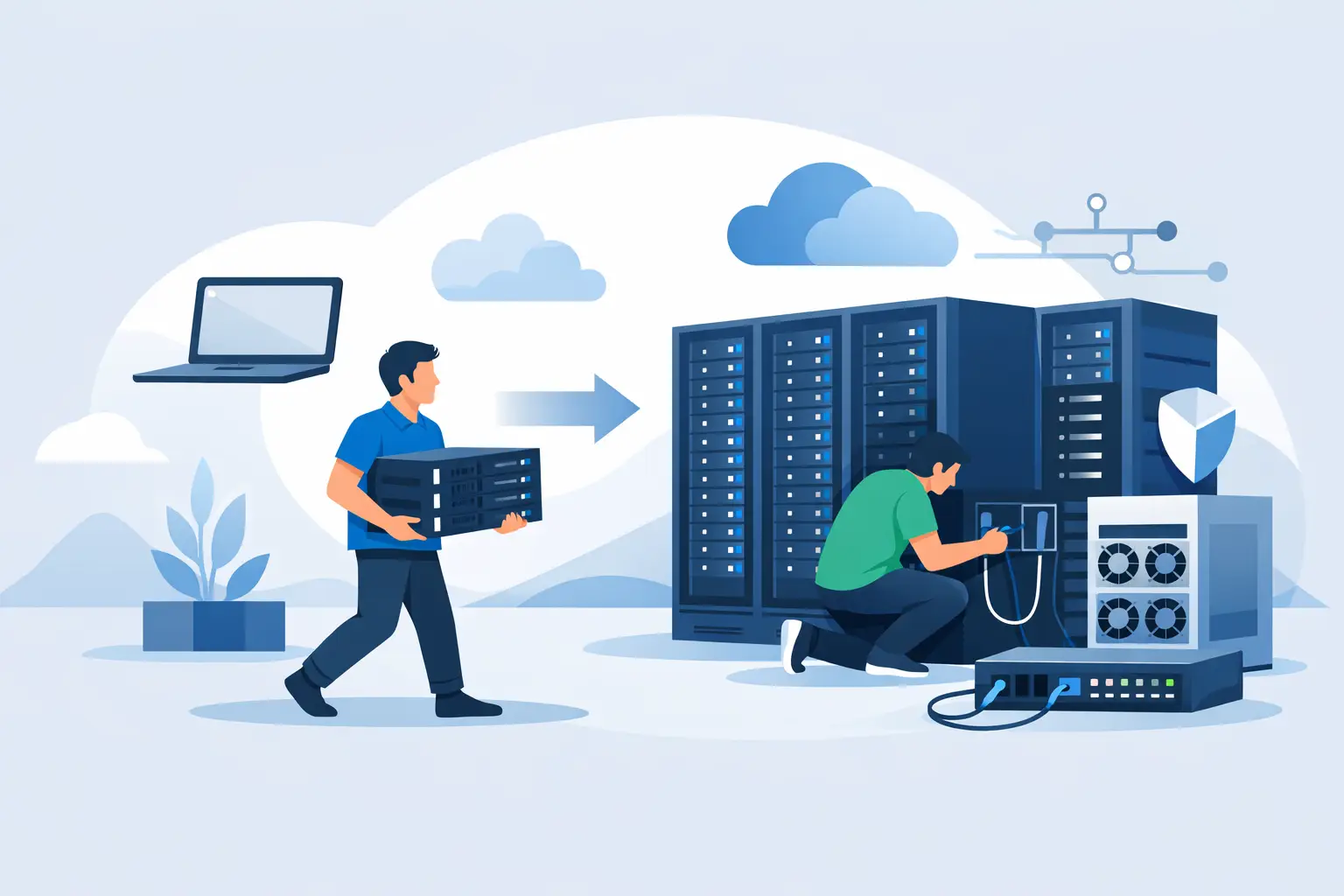
When a business already owns capable hardware, replacing it with rented infrastructure is not always the best move. That is where bring your own server colocation makes sense. You keep control of the server you selected, configured, and paid for, while moving it into a professional data center with better power, cooling, connectivity, and physical security than most offices can realistically provide.
For many teams, this sits in the middle ground between running servers in-house and leasing dedicated hardware. It is a practical model for organizations that want to extend the life of existing equipment, meet stricter uptime goals, or move business-critical workloads out of a server closet without redesigning everything around a new platform.
What bring your own server colocation actually means
In simple terms, you supply the hardware and the colocation provider supplies the environment. That environment usually includes rack space, conditioned power, network connectivity, cooling, physical access controls, and on-site support options. Your server is installed in the provider's facility, but it remains your asset and your responsibility from a hardware ownership perspective.
That distinction matters. With dedicated servers, the provider owns and maintains the machine. With colocation, you decide what server goes in, what storage it uses, which NICs are installed, how it is licensed, and how it is managed. That level of control is often the reason buyers choose this model in the first place.
Why businesses choose bring your own server colocation
The most common reason is cost control over time. If you already invested in server hardware for a database cluster, virtualization node, backup appliance, or licensing-sensitive application, colocating that hardware can be more economical than replacing it with leased systems before its useful life is over.
There is also a performance and reliability argument. A server running in an office may share power with other equipment, rely on a single ISP, and sit in a room not designed for thermal consistency. Moving that same hardware into a data center can improve uptime without changing the application stack.
Another factor is compliance and operational maturity. Some businesses need PCI DSS-certified facilities, tighter physical security, or better documentation around infrastructure handling. Others simply want direct access to better connectivity, lower latency, and redundant network paths.
This approach also works well for specialized builds. If you run a storage-heavy system with a specific RAID card, custom NVMe layout, GPU configuration, or unusual OS requirement, renting an off-the-shelf dedicated server may force compromises. Colocation lets you keep the exact platform your workload was designed around.
When colocation is the better fit than dedicated servers or cloud
Bring your own server colocation is usually strongest when you have hardware worth keeping and a team comfortable managing systems. It fits organizations that know what they need and do not want to pay a monthly premium for someone else to own the asset.
Compared with dedicated servers, colocation can be more flexible at the hardware level. Compared with cloud, it often provides more predictable costs for steady workloads. If your applications do not need instant elastic scaling and run consistently month after month, owning the hardware can make financial sense.
Still, it depends on how you operate. If your team wants the provider to handle failed disks, platform refresh cycles, and hardware replacements with minimal input, dedicated servers may be simpler. If you need rapid scale-out across regions or short-term burst capacity, cloud services may be the better fit. Colocation rewards planning and operational discipline.
What to evaluate before moving your server
Power and rack requirements
Start with the physical basics. Your server's chassis size, rail kit, power draw, and connector type all need to match the cabinet and power setup at the facility. A 1U server with dual PSUs is straightforward. A deeper storage chassis or GPU server needs a closer look at rack depth, cooling profile, and circuit allocation.
Power redundancy deserves special attention. If your server has dual power supplies, they should feed from separate power sources wherever possible. That only helps if the facility is designed for it and your installation plan reflects it.
Network design
Bandwidth is not just about speed. You need to know the port capacity, bandwidth billing model, IP allocation, upstream redundancy, and cross-connect options. A server that handles backups, media delivery, or customer-facing applications may have very different traffic patterns from a private line-of-business application.
Remote access also matters. Think about out-of-band management such as IPMI, iDRAC, or iLO. If the operating system stops responding, remote console access can save time and avoid unnecessary hands-on work.
Remote hands and support scope
This is one of the biggest practical differences between providers. Some offer only space and power. Others can help with reboots, cable checks, drive swaps, visual inspections, and basic troubleshooting. If your team is not local to the facility, remote hands becomes part of the real service value.
Be clear on what is included and what is billed separately. A low monthly rate can look less attractive once after-hours support and hardware handling are added.
Security and facility standards
A data center should provide controlled entry, surveillance, environmental monitoring, and documented operating procedures. Depending on your business, certifications may also matter. These details are not marketing extras. They directly affect risk, audit readiness, and customer confidence.
Hardware lifecycle
Colocation works best when the server still has meaningful life left. If the hardware is already near replacement age, you need to compare the total cost of colocating it against moving to newer leased or owned equipment. Older systems can raise power costs, increase failure risk, and create support issues around parts availability.
Common workloads that fit this model
Bring your own server colocation is often a strong option for virtualization hosts, private application servers, backup and archive systems, database nodes, and web infrastructure with stable demand. It also works well for businesses that already standardized on a certain hardware platform and want consistency across environments.
For agencies, software teams, and SMBs, it can be a good fit for customer hosting clusters, internal business systems, and mixed workloads that need more control than a VPS offers. The key is predictability. If you know what the server needs to do and expect it to run that way for a while, colocation becomes easier to justify.
The trade-offs buyers should be honest about
Colocation gives you control, but it also keeps more responsibility on your side. If a motherboard fails, you own that problem. If firmware needs updating, your team needs a plan. If you chose an aging platform because it was already paid for, you may save money now and lose it later in downtime or maintenance effort.
There is also less instant flexibility than cloud infrastructure. Scaling from one server to ten still requires procurement, installation, and planning. For some businesses that is perfectly acceptable. For others, it is too slow.
Logistics can be overlooked as well. Shipping equipment, scheduling installation, labeling hardware, documenting ports, and maintaining spare parts are all part of running colocated infrastructure well. None of this is difficult, but it is real operational work.
How to make the move go smoothly
A successful deployment starts before the server reaches the rack. Confirm hardware dimensions, PSU compatibility, network settings, labeling standards, and remote management access in advance. Create a basic install document with hostname, rack position, MAC addresses, switch port expectations, and support contacts.
It also helps to decide what stays manual and what becomes standardized. If you are colocating more than one server, consistent monitoring, configuration management, and backup policies matter quickly. The physical move is only one step. Ongoing operations are where the value is either realized or lost.
For businesses that want a stable facility without overcomplicating the process, a provider such as Internetport can make that transition easier by combining colocation space with broader infrastructure options. That matters if your environment may later expand into dedicated servers, storage, hybrid deployments, or managed services.
Bring your own server colocation as a long-term strategy
This model is not only a temporary stopgap for old hardware. In the right environment, it can be a deliberate long-term infrastructure choice. Some businesses prefer to own their hardware lifecycle, align capital purchases to budget cycles, and keep full control over system design while still benefiting from professional data center operations.
The best outcomes usually come from matching the model to the workload, not forcing the workload to fit the model. If you already have reliable hardware, need strong uptime, and want more control over infrastructure costs, colocation is often the practical next step. The right provider will give you the facility standards and operational support to make that server perform like business infrastructure, not office equipment.
A good colocation decision usually comes down to one question: does your team want to own the server and improve the environment around it, or outsource the hardware itself? If the first answer fits your priorities, bring your own server colocation is worth a serious look.